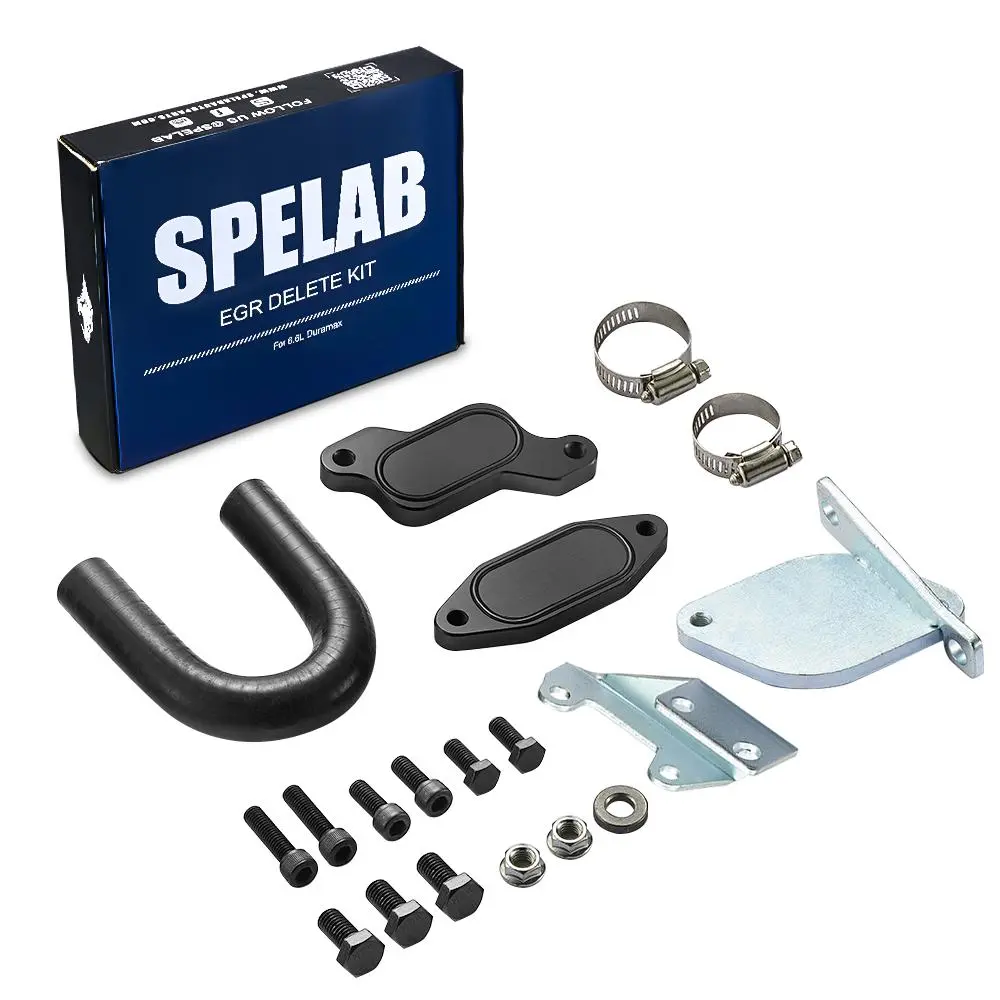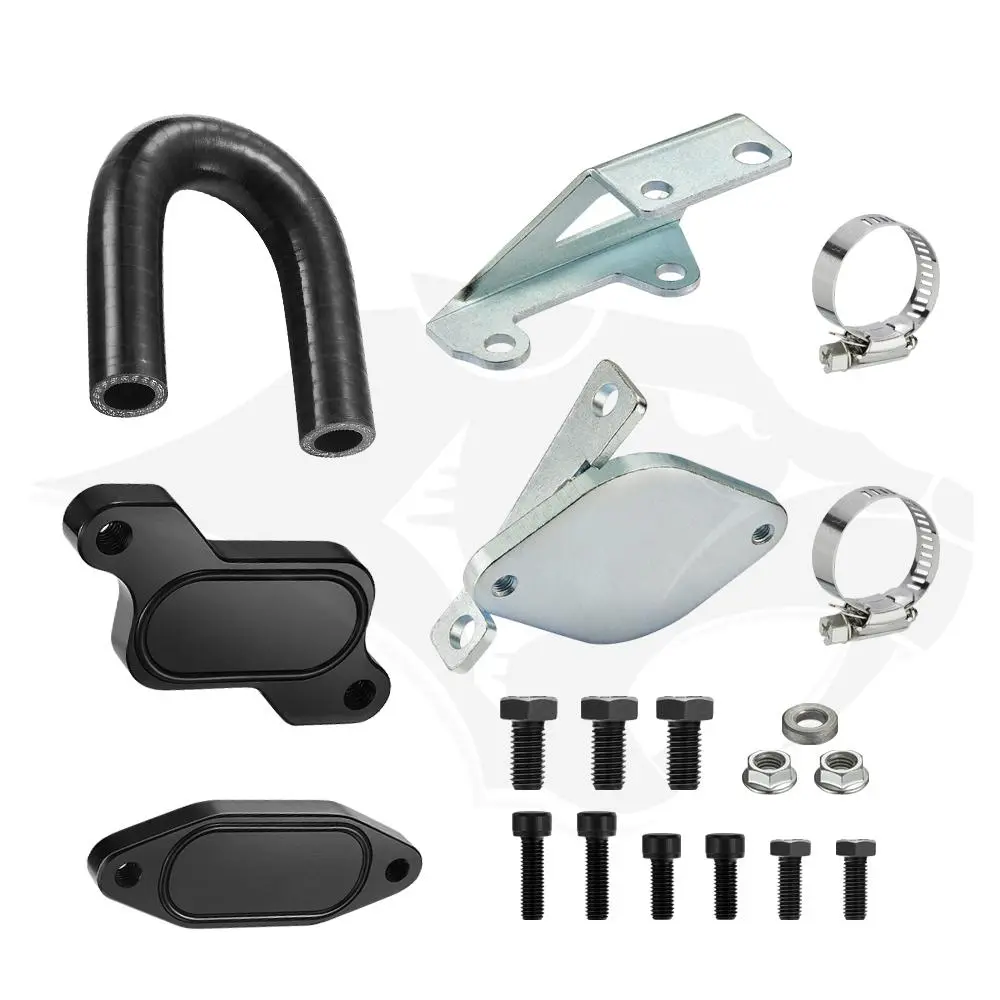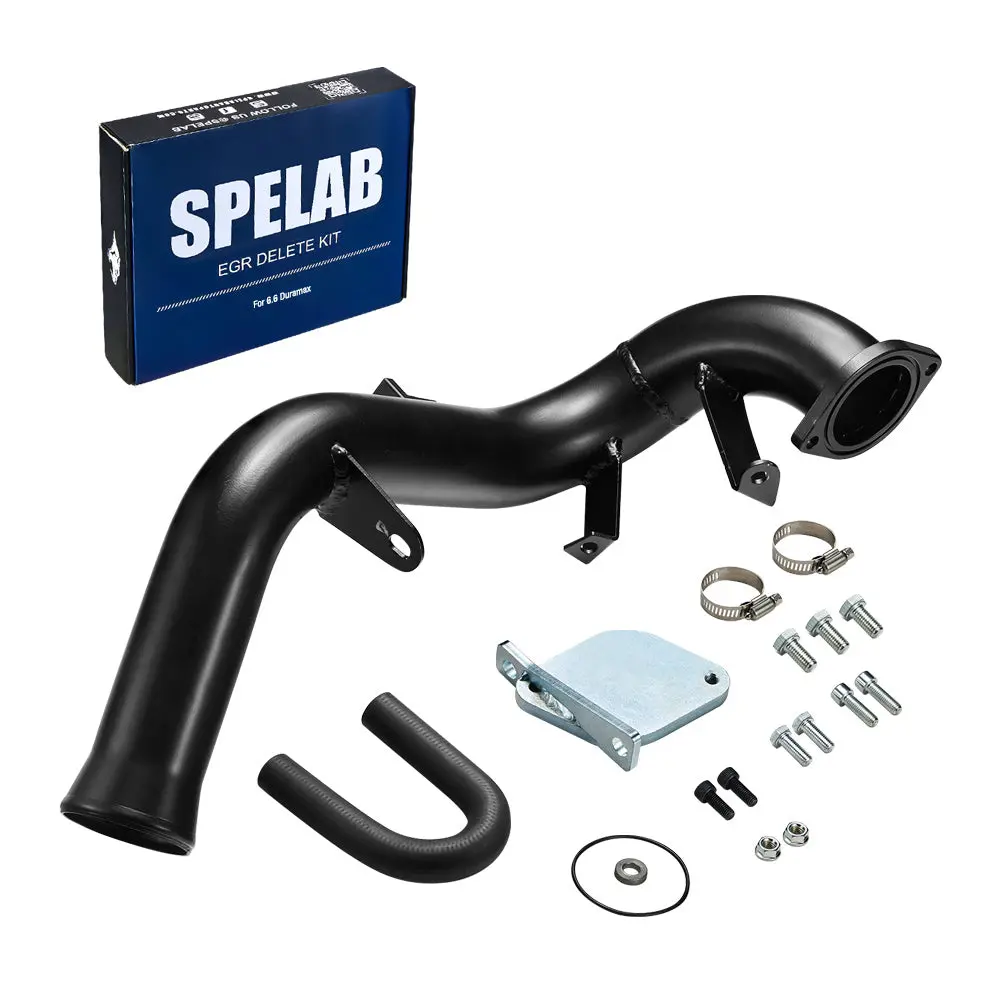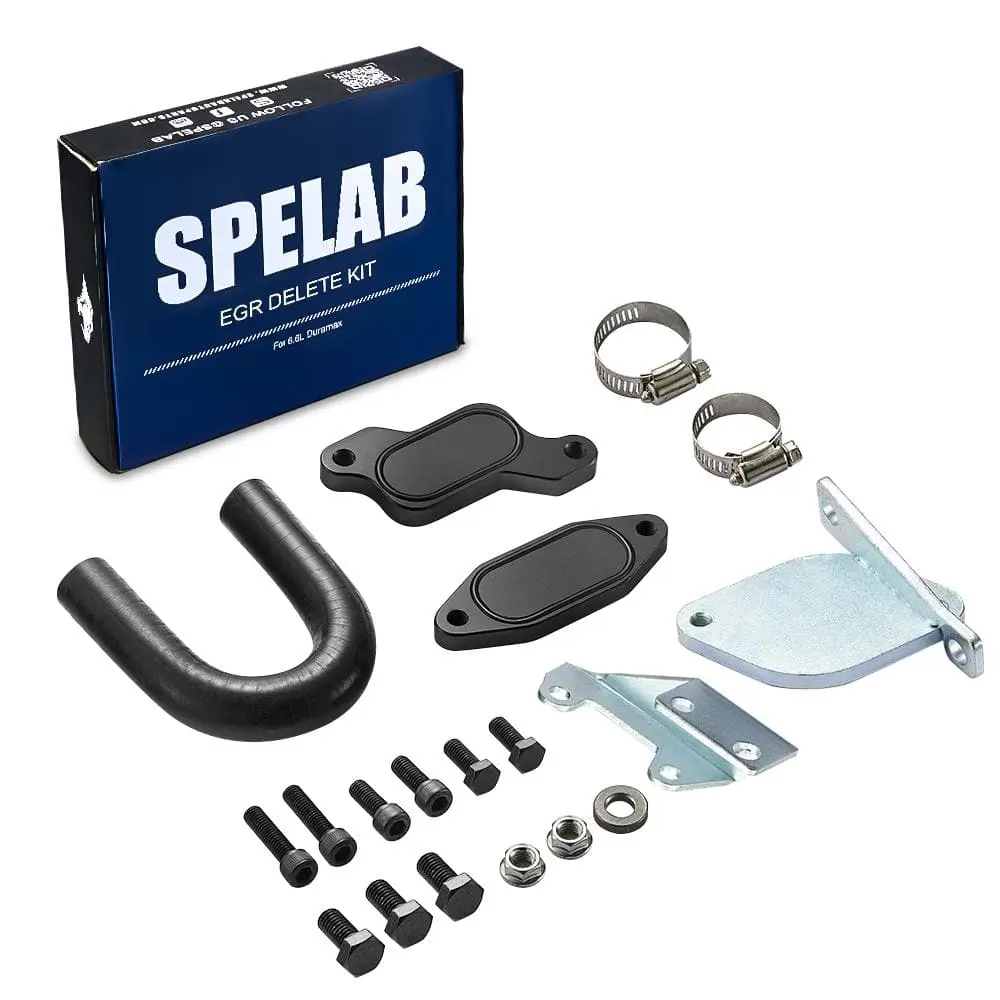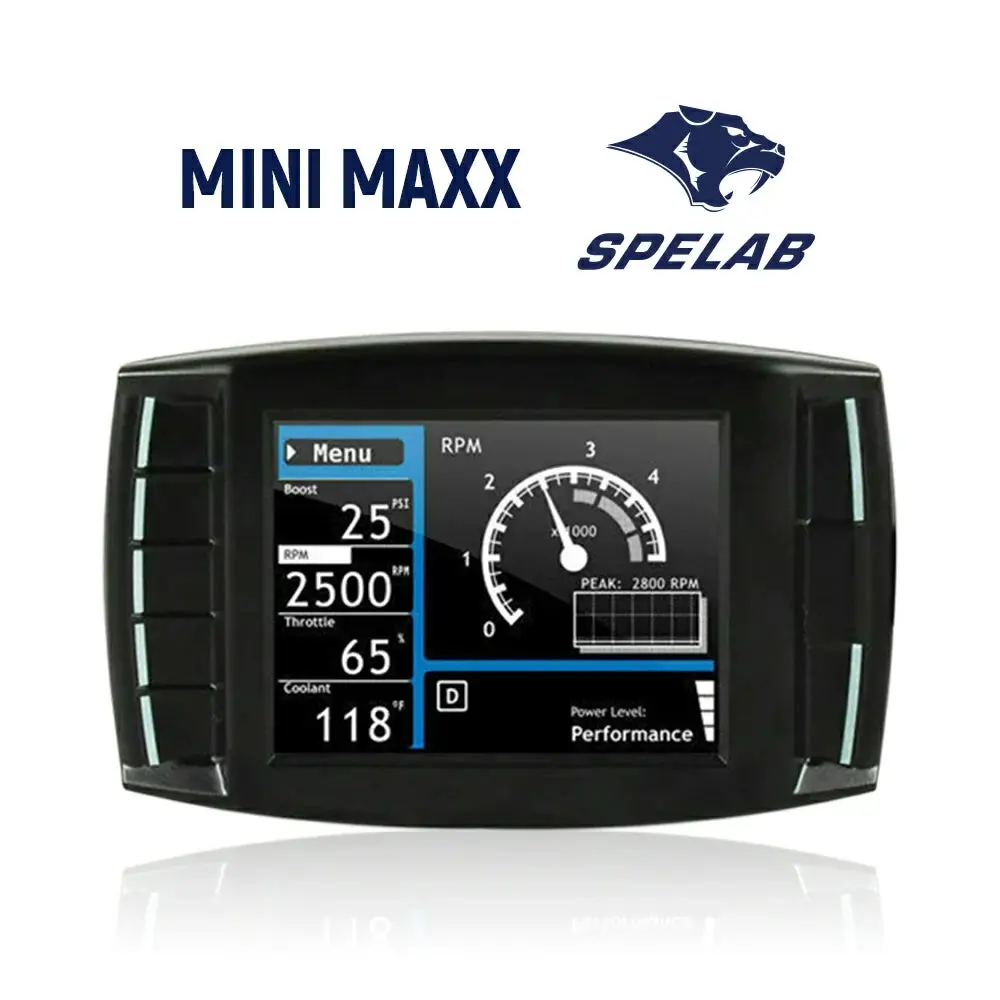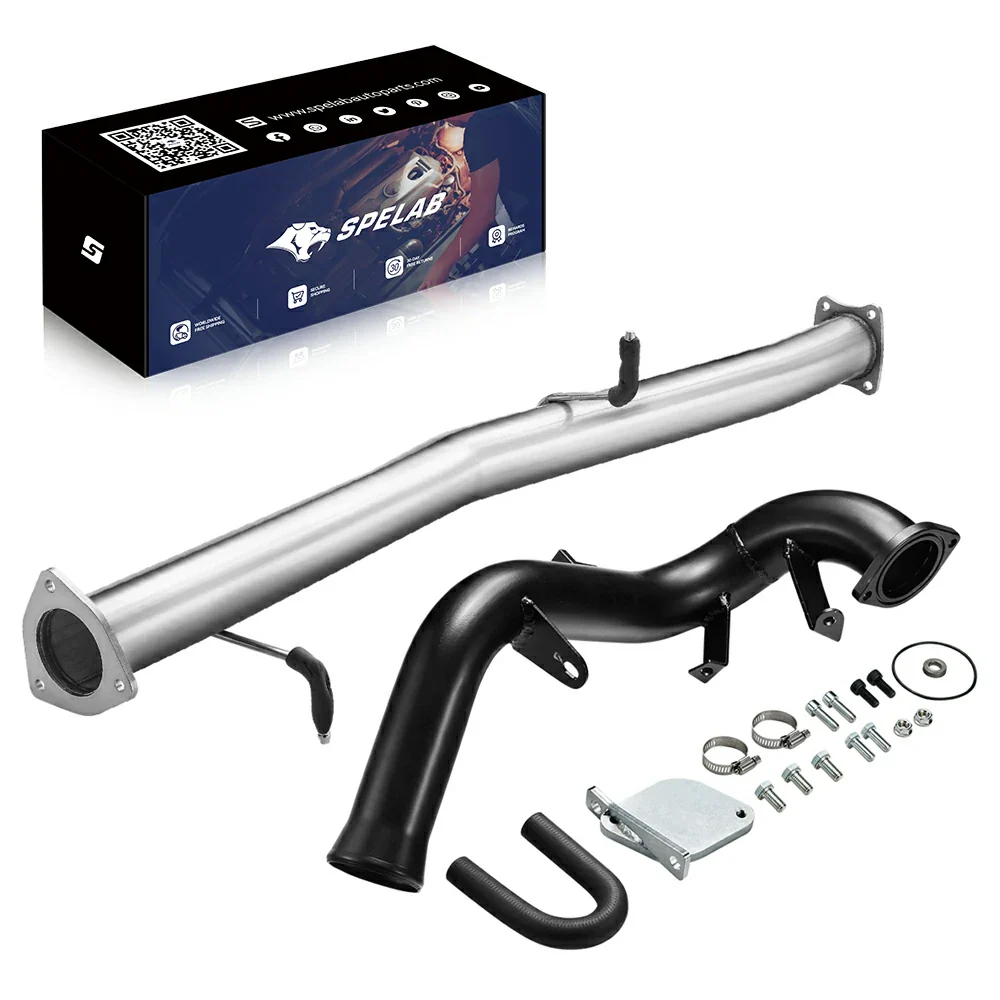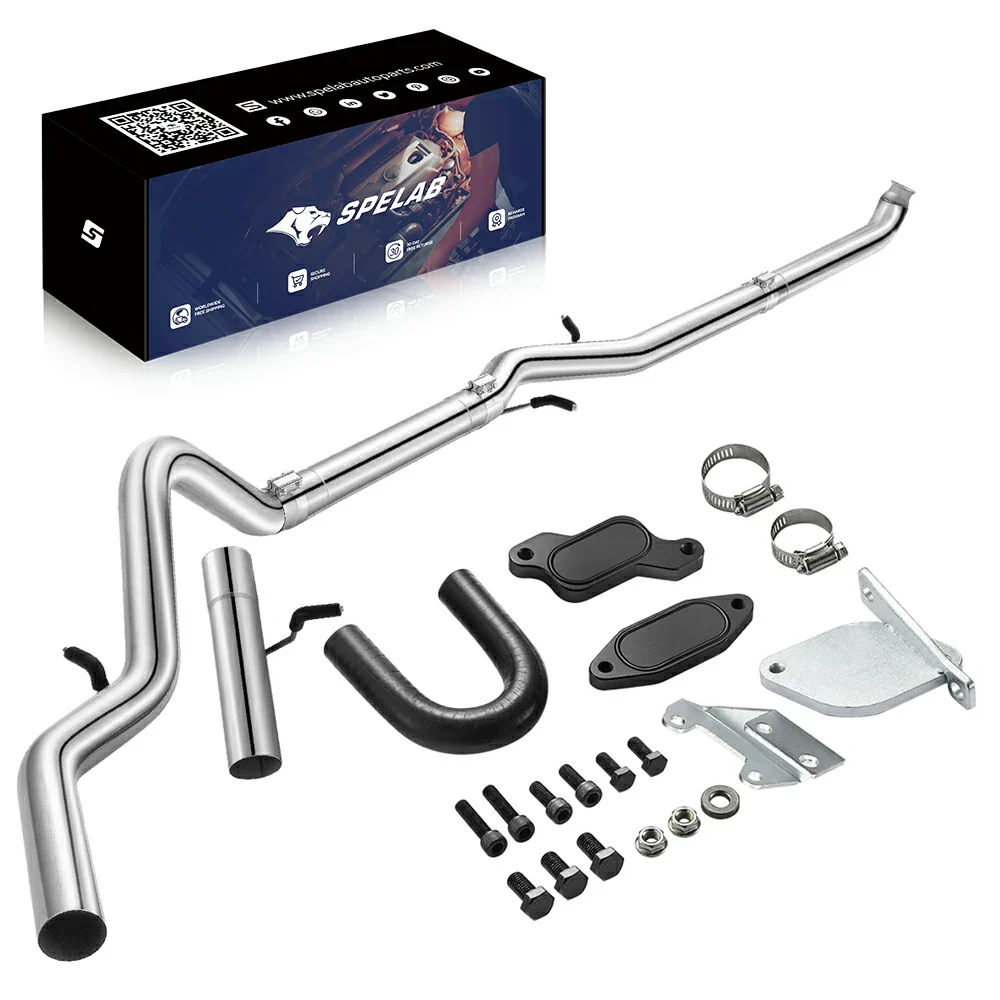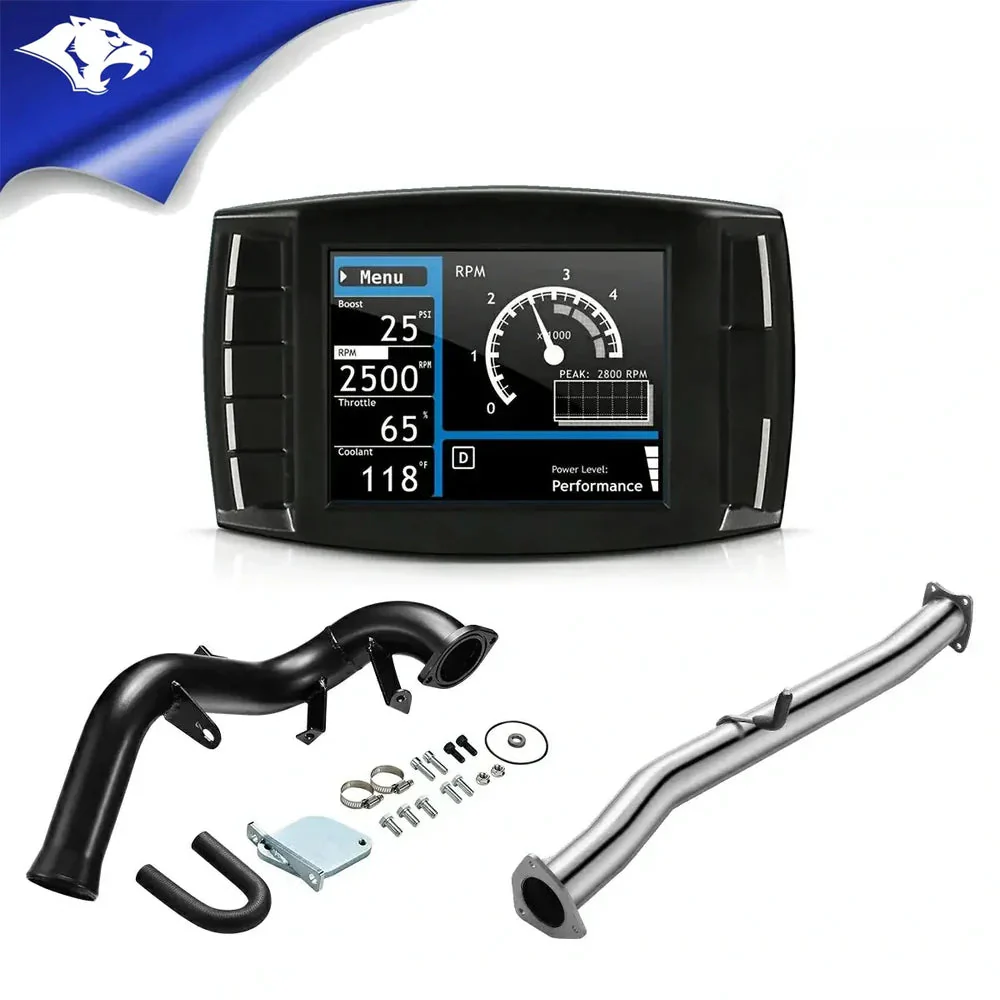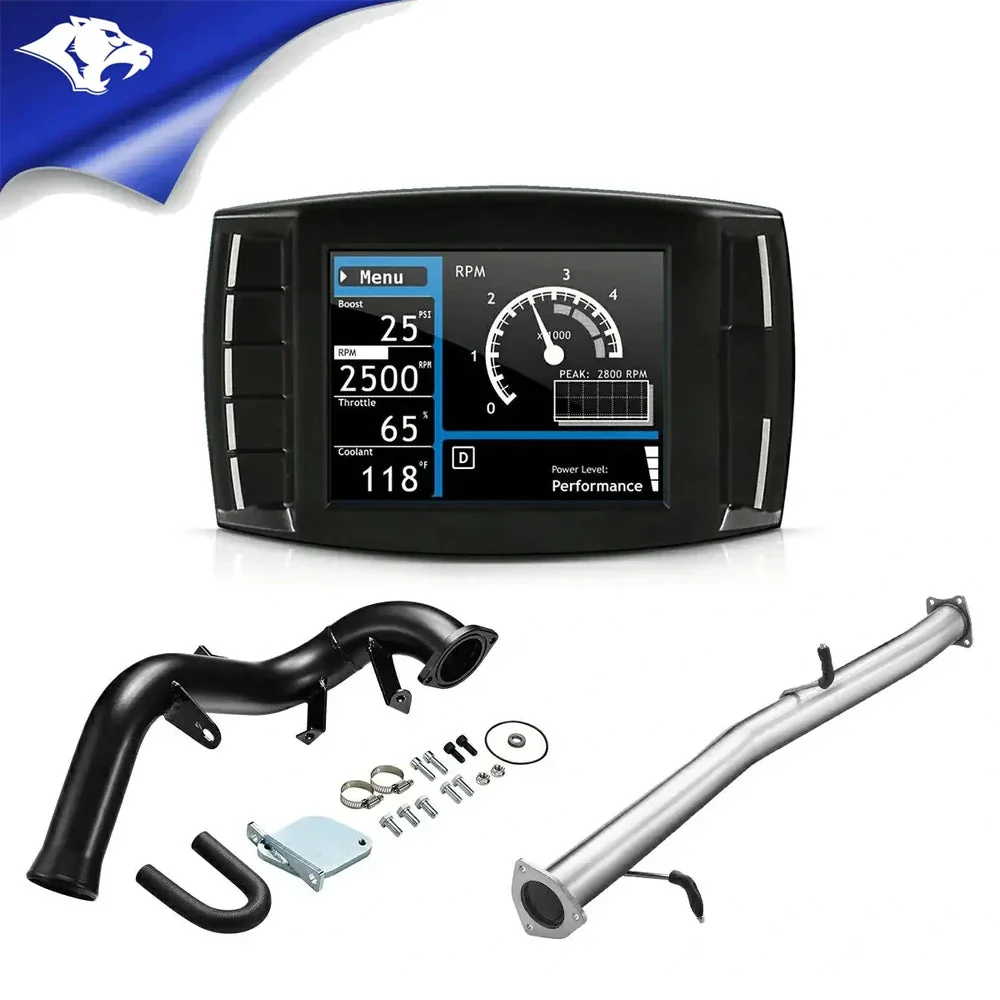
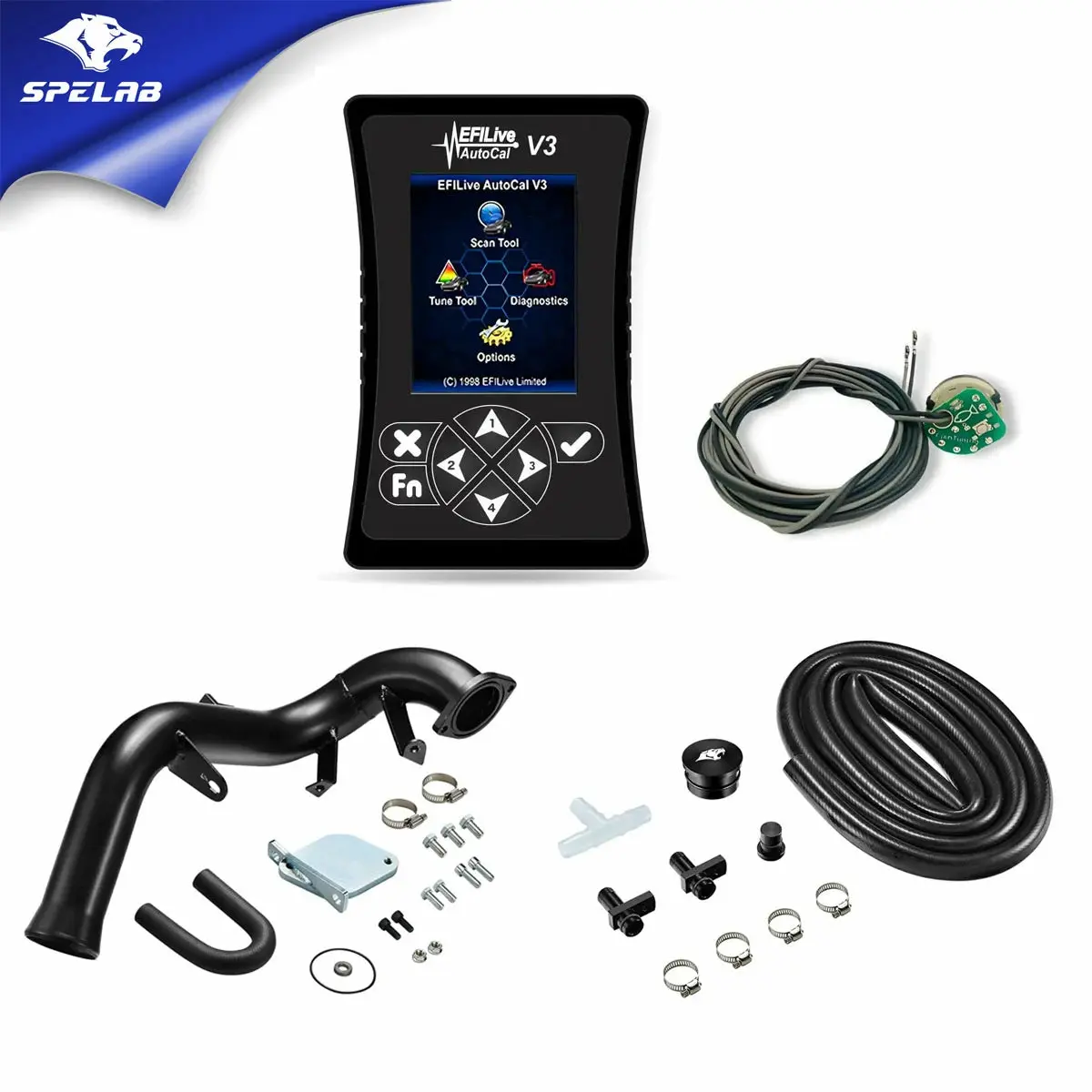
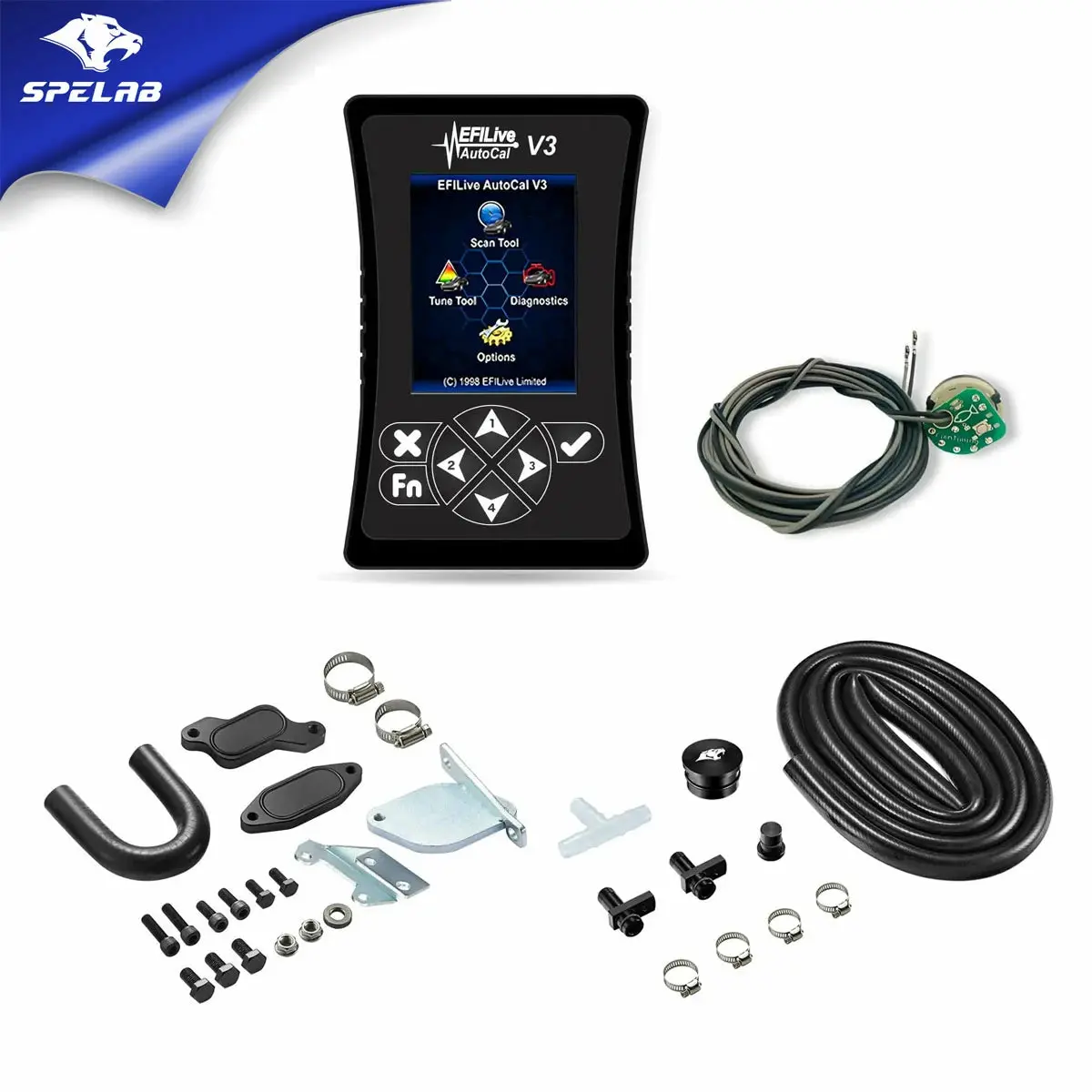
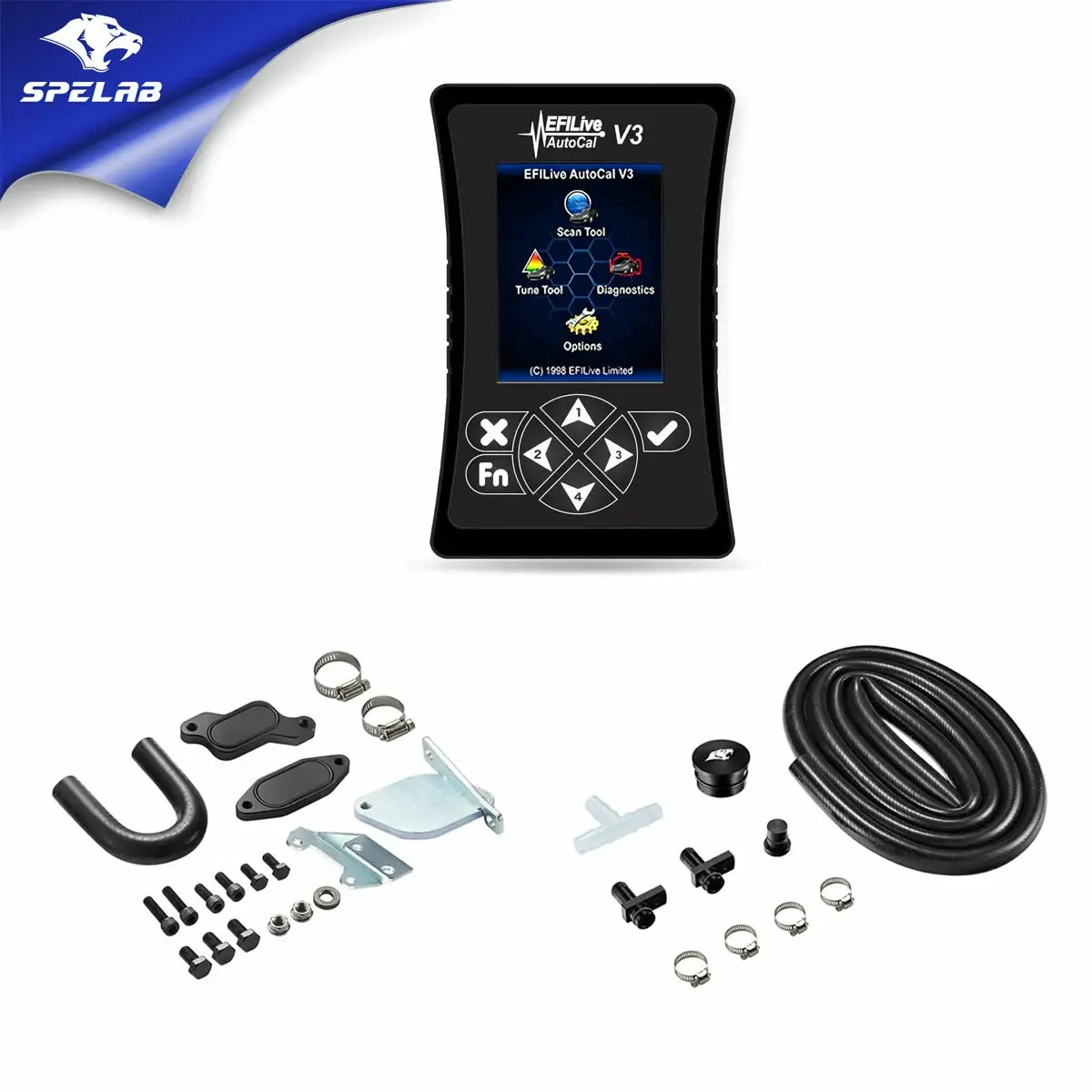
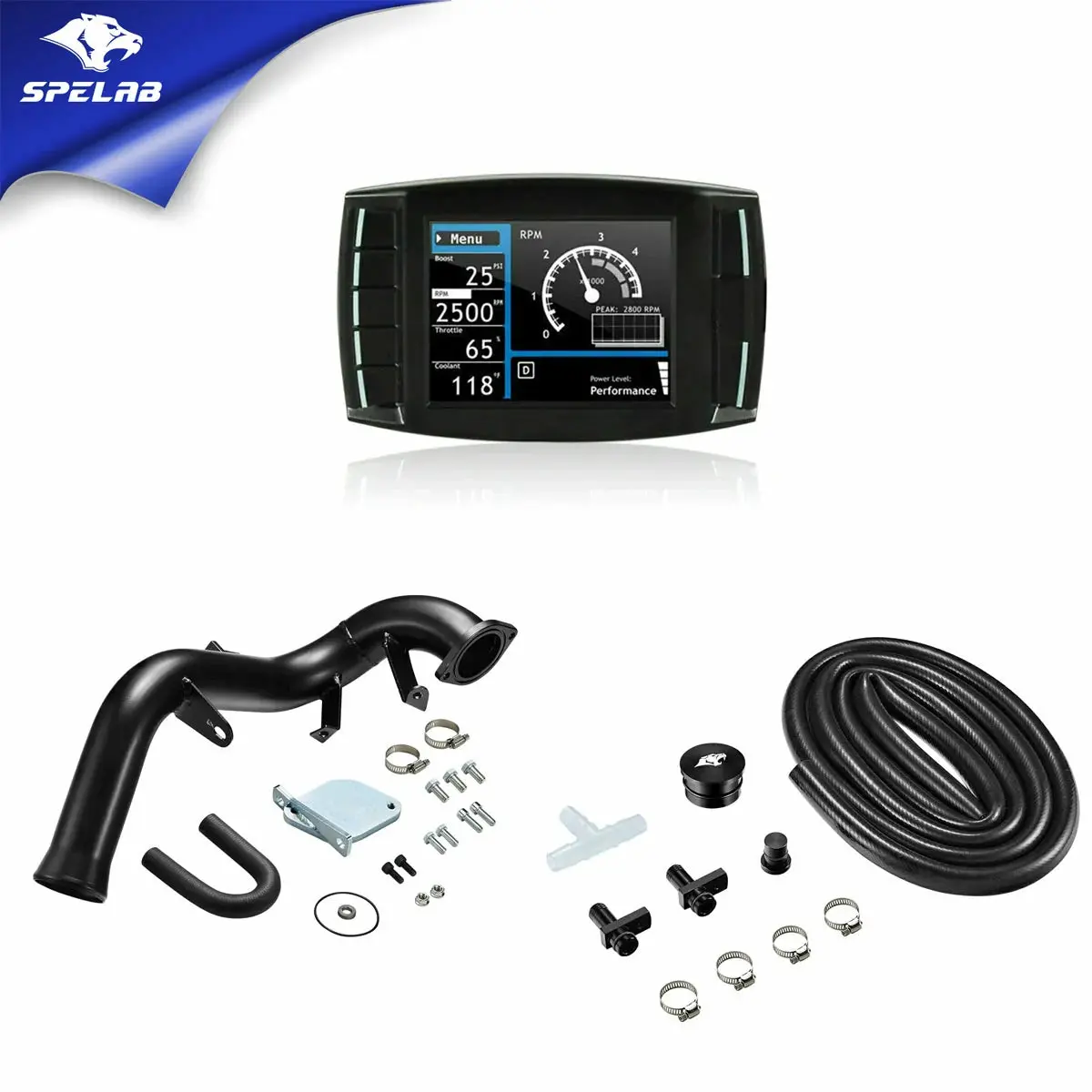
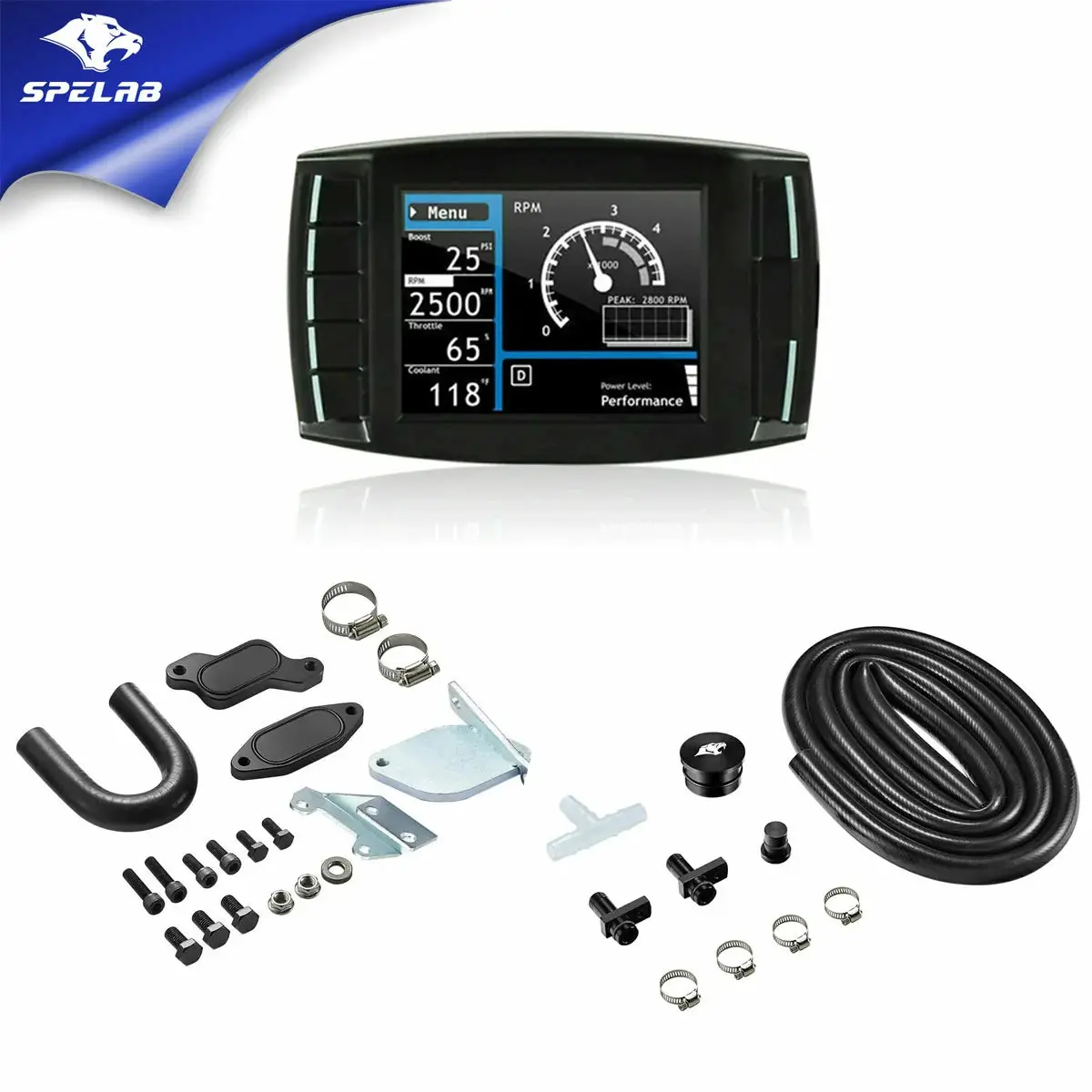
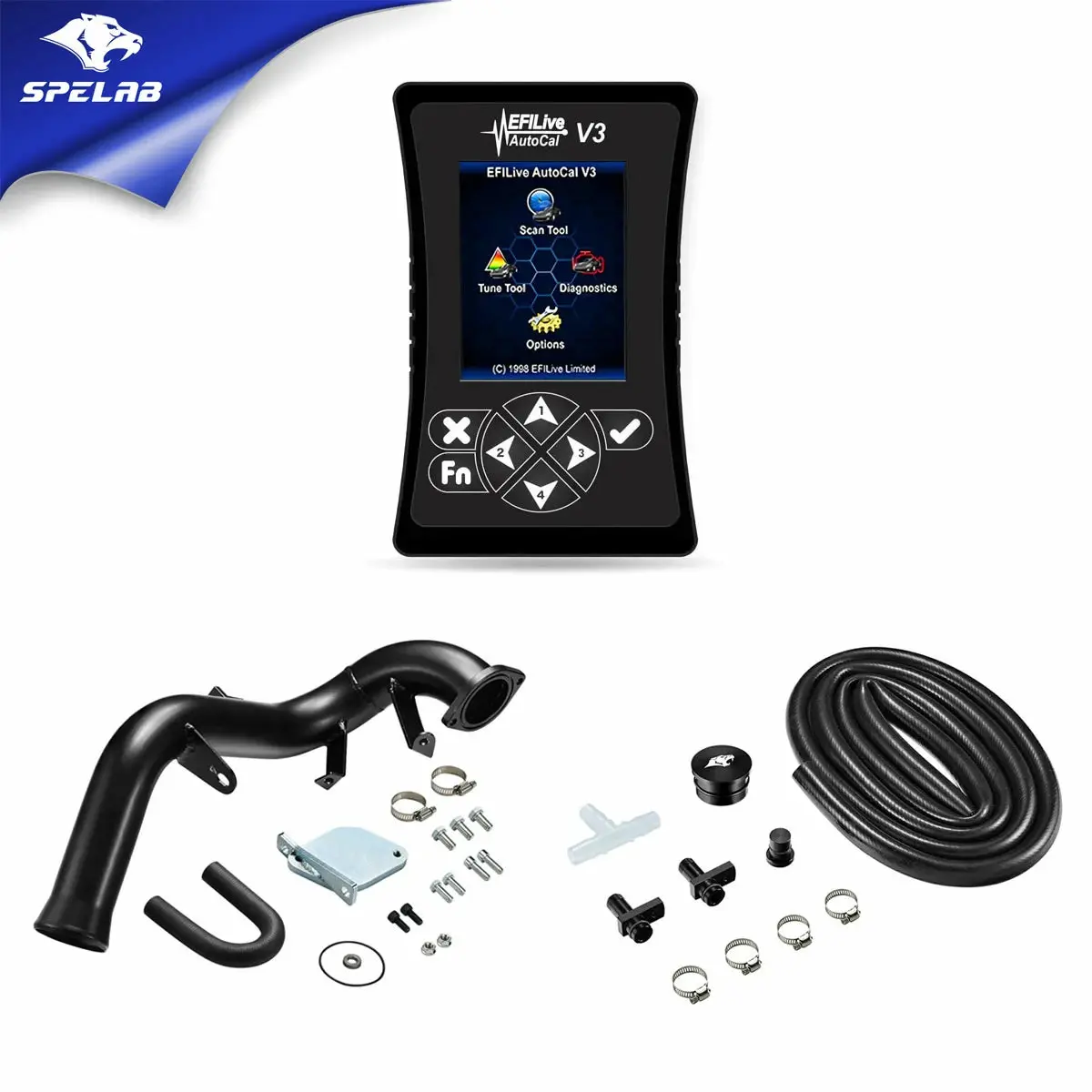
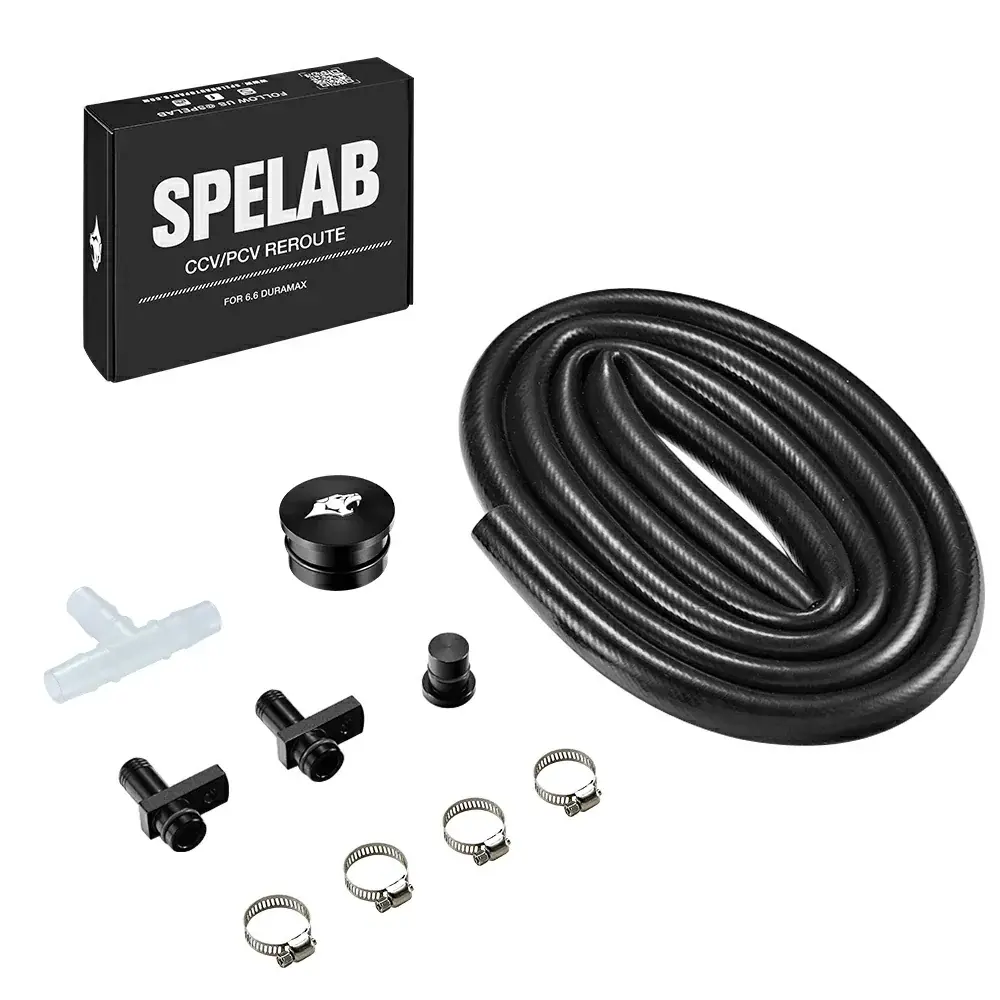
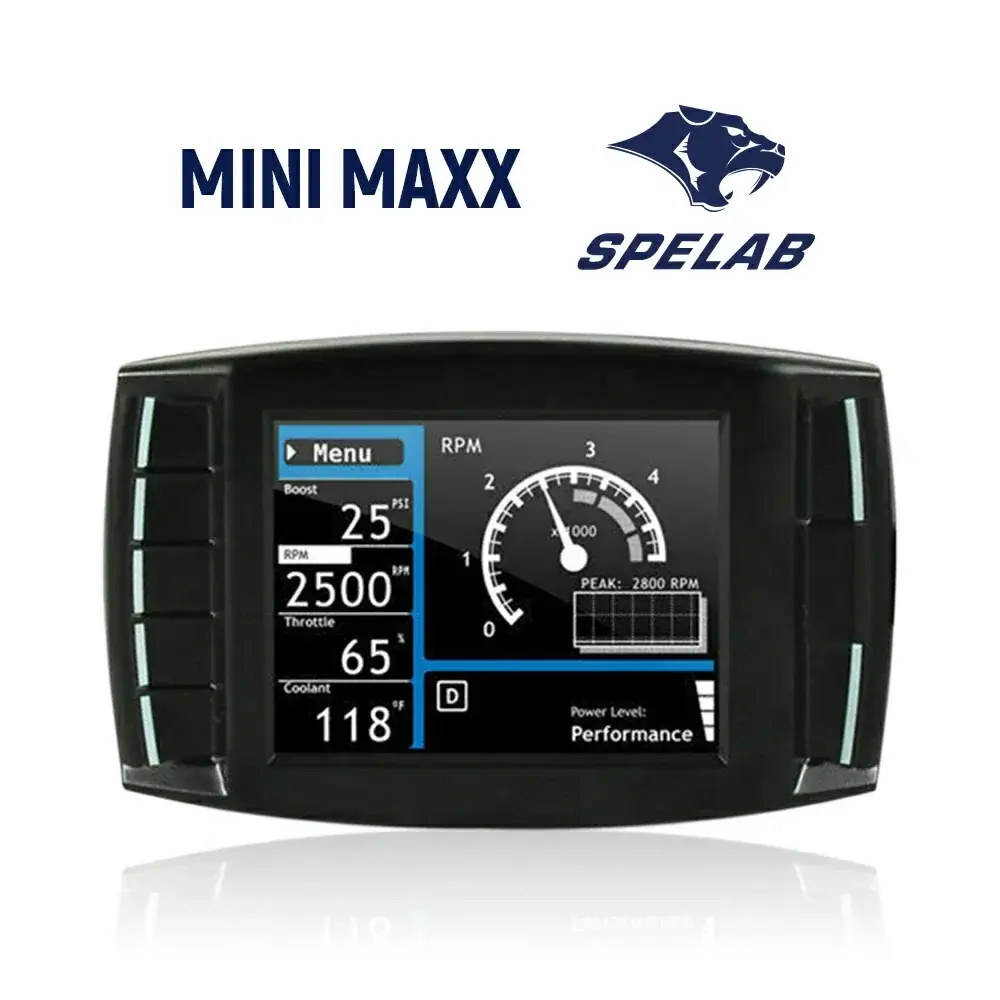
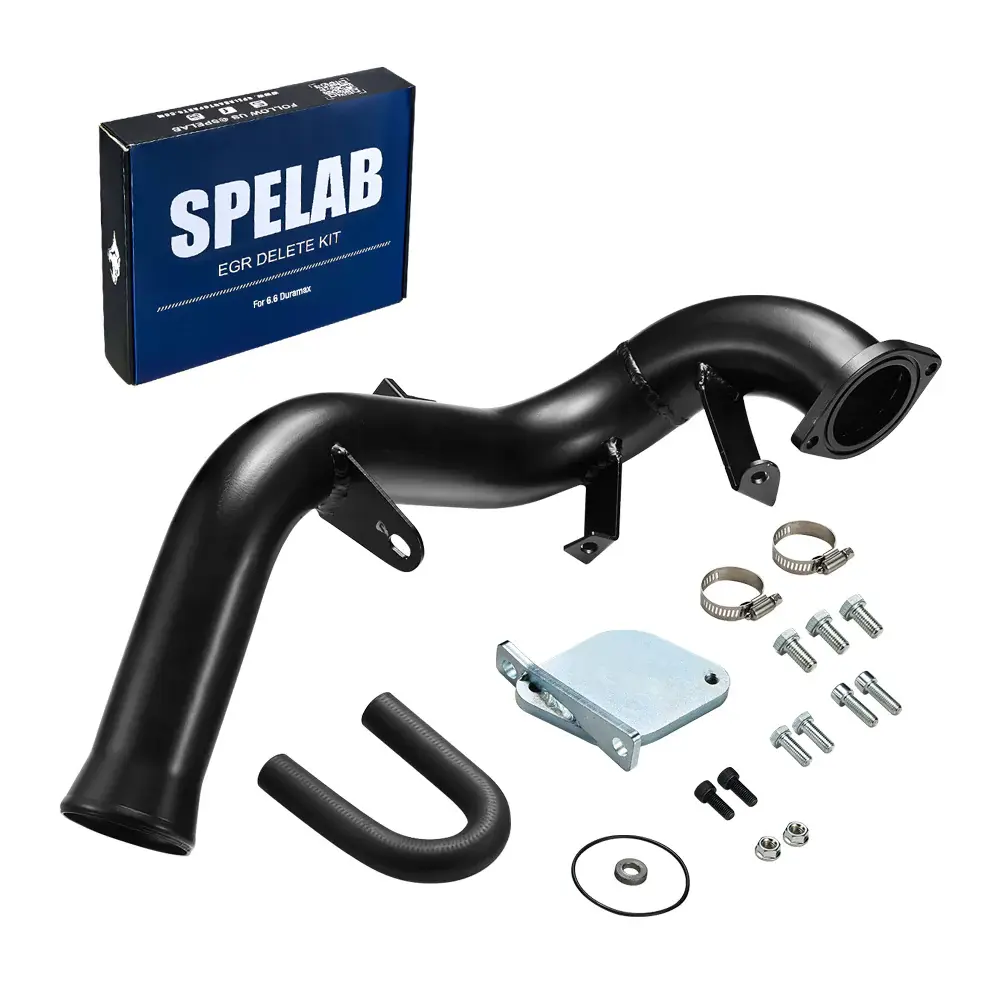
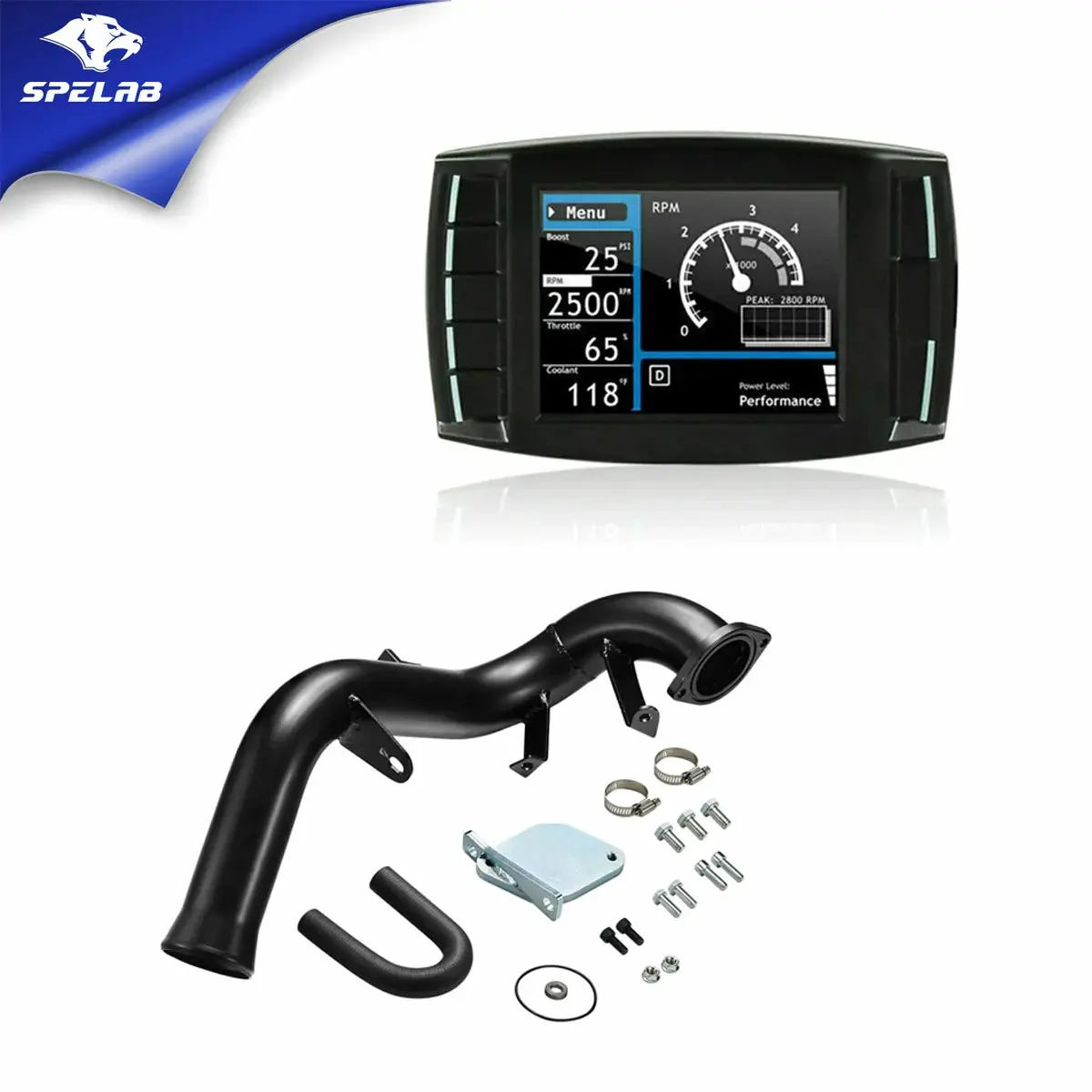
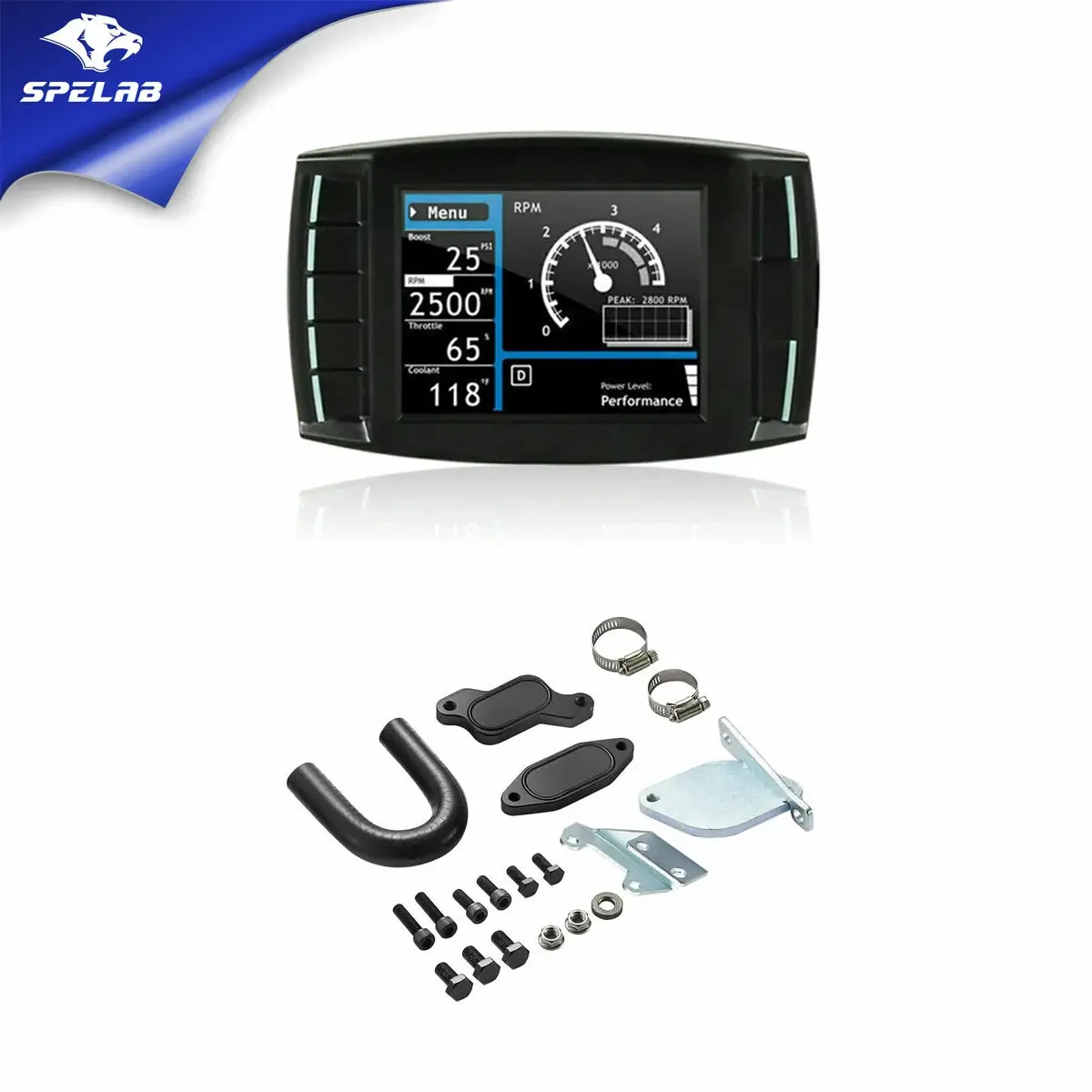
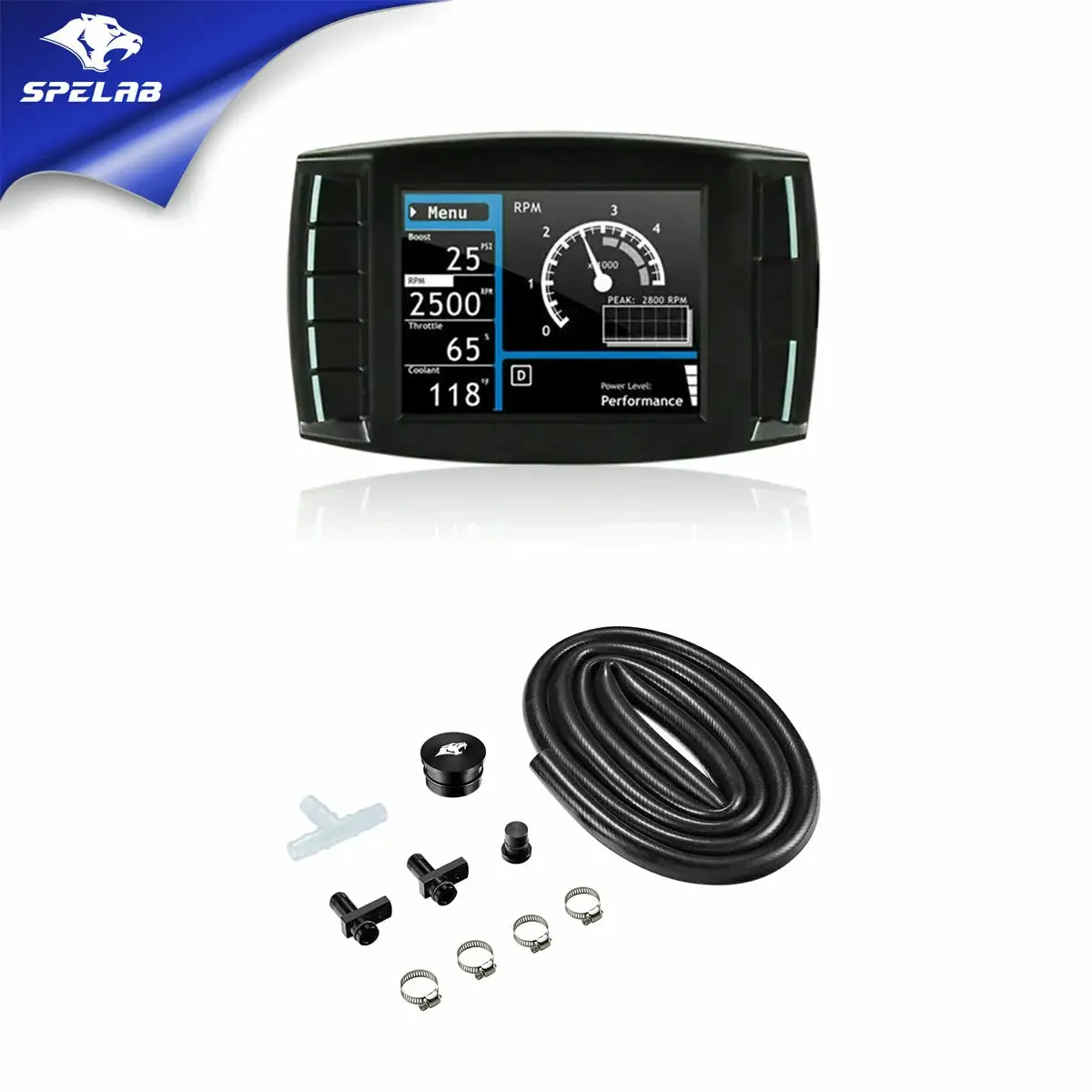
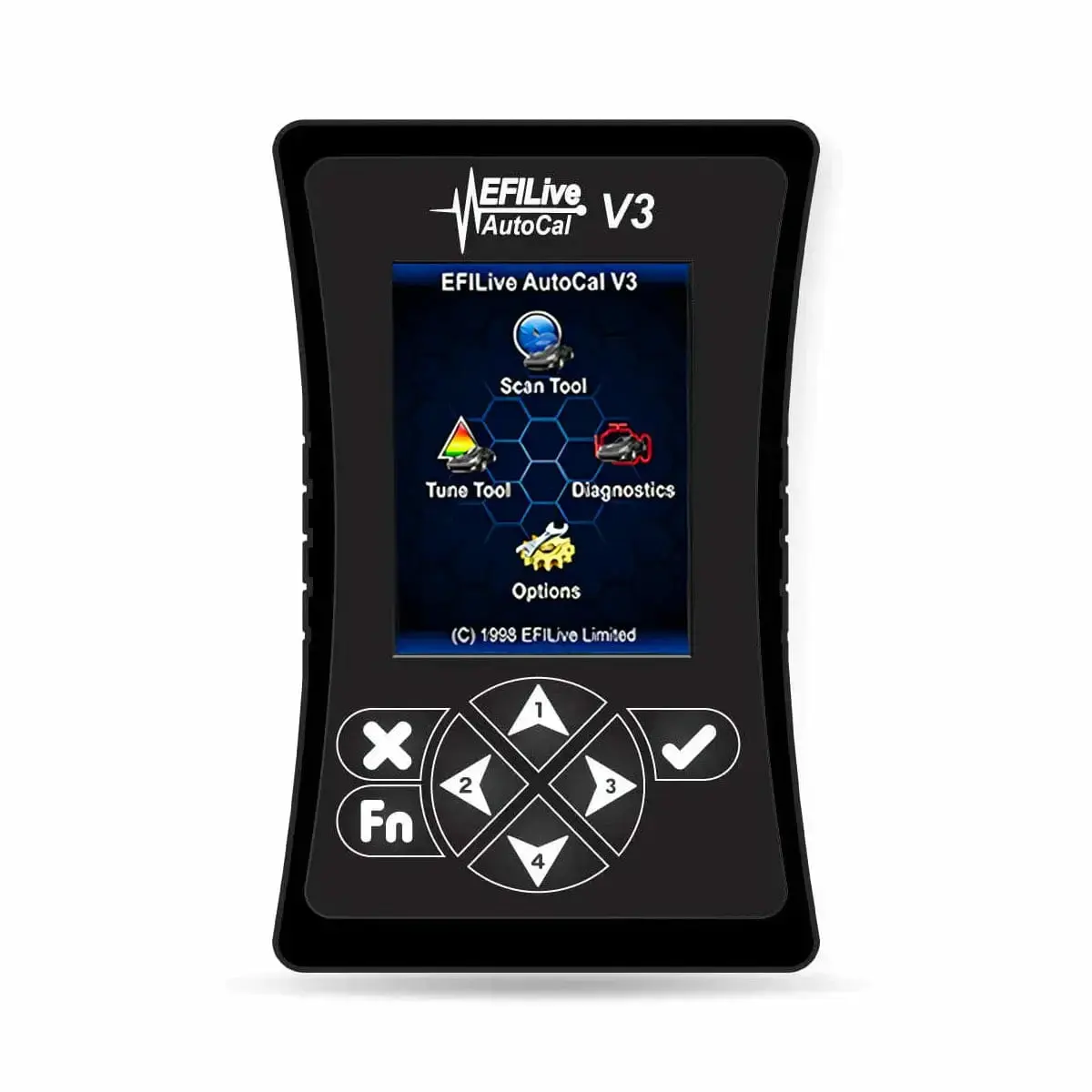
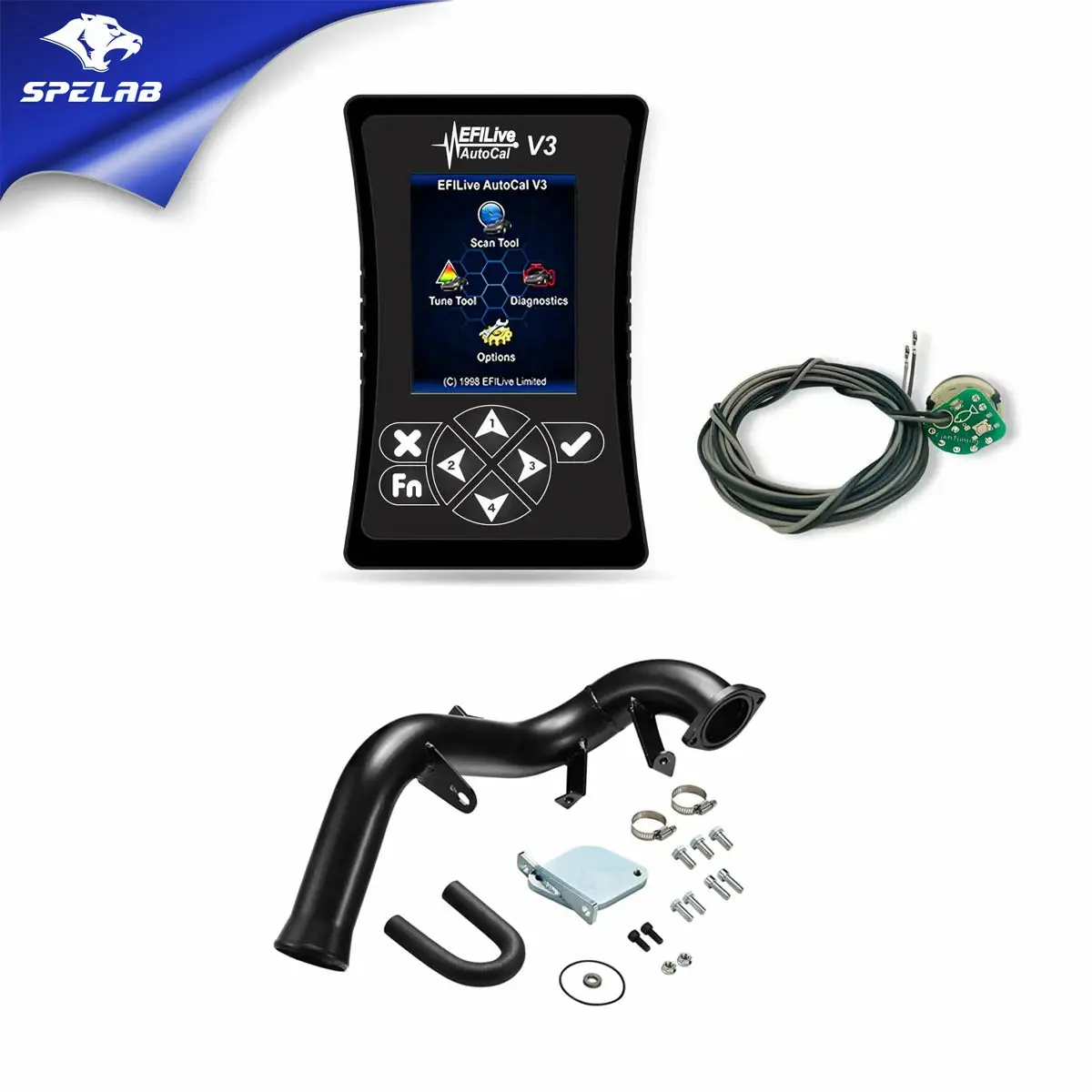
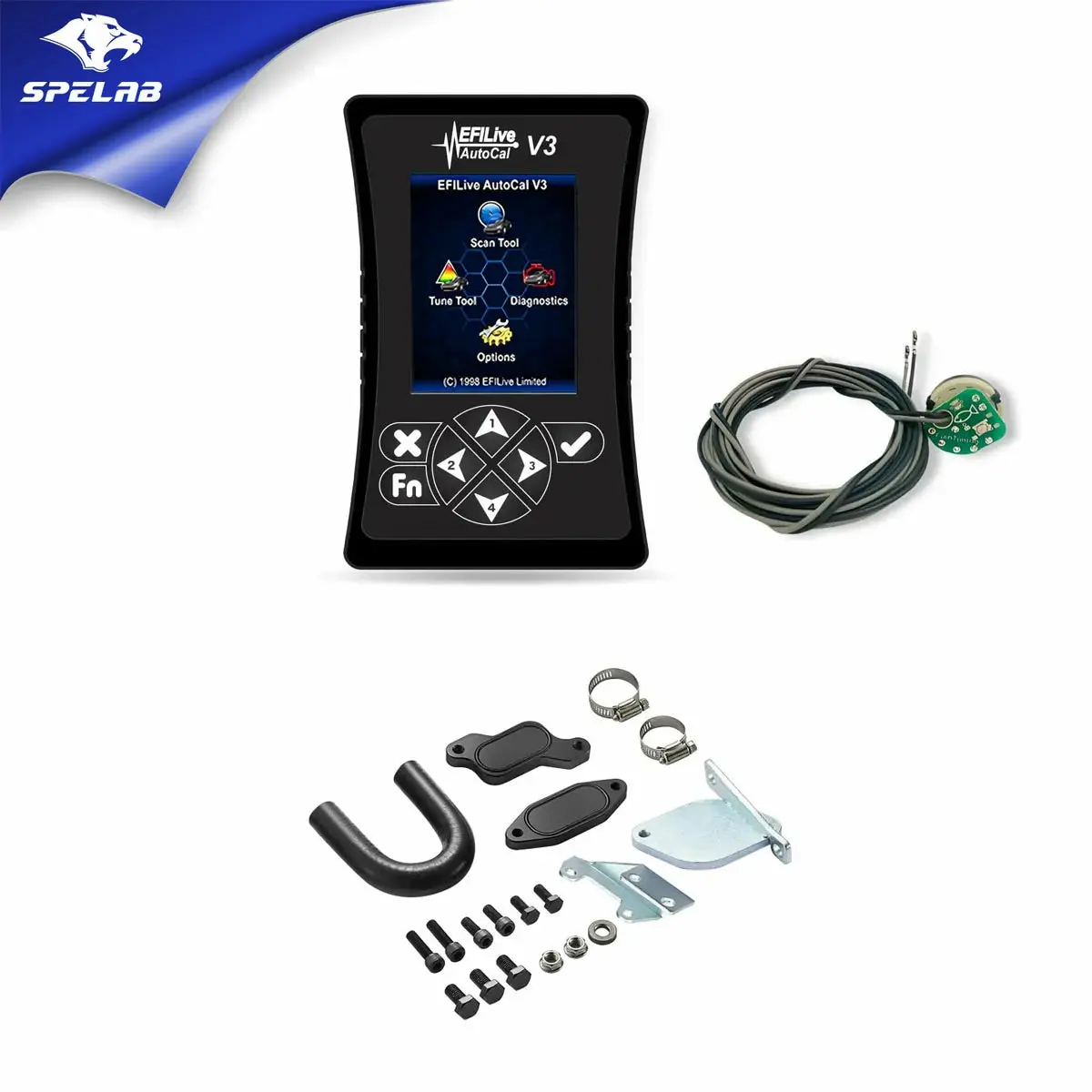
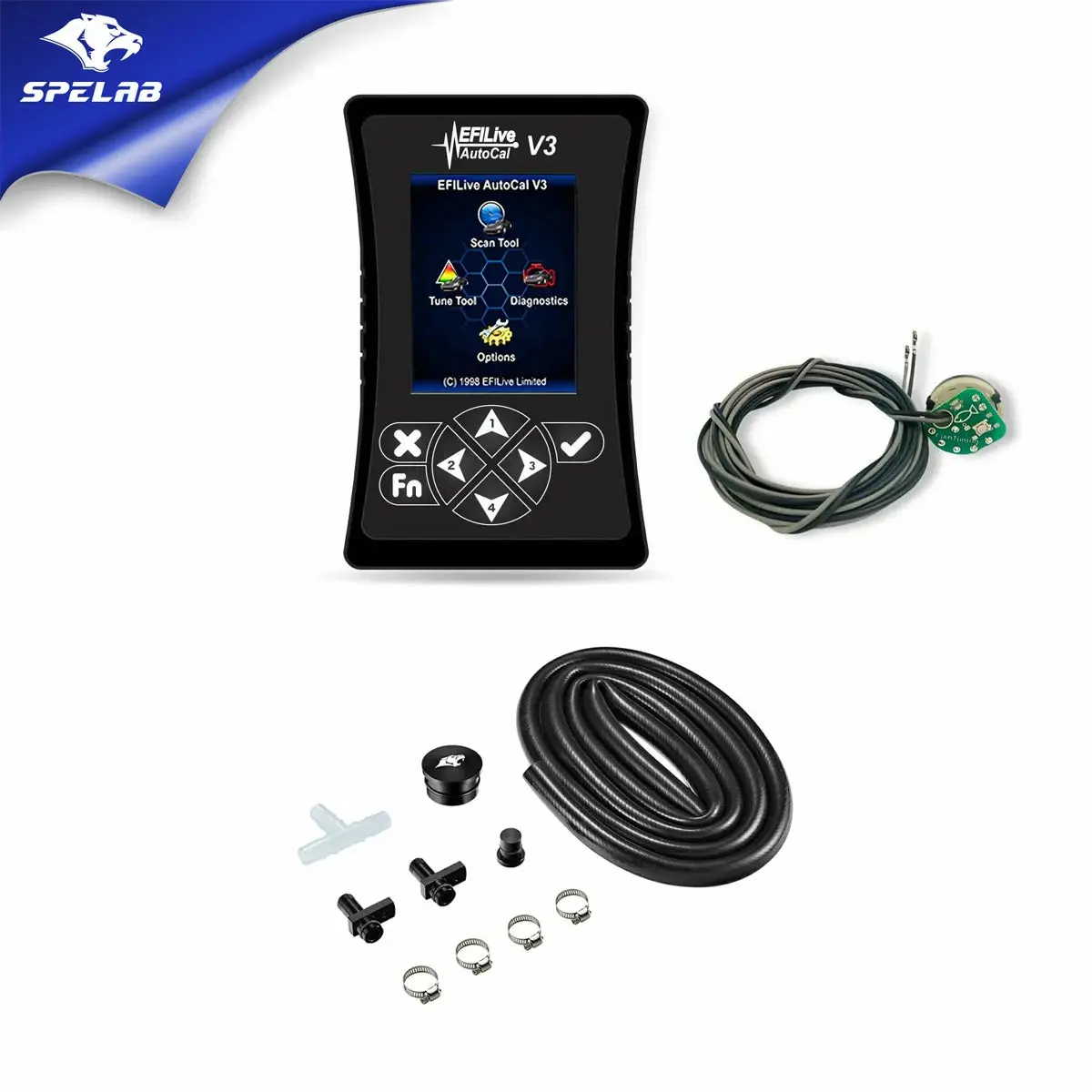
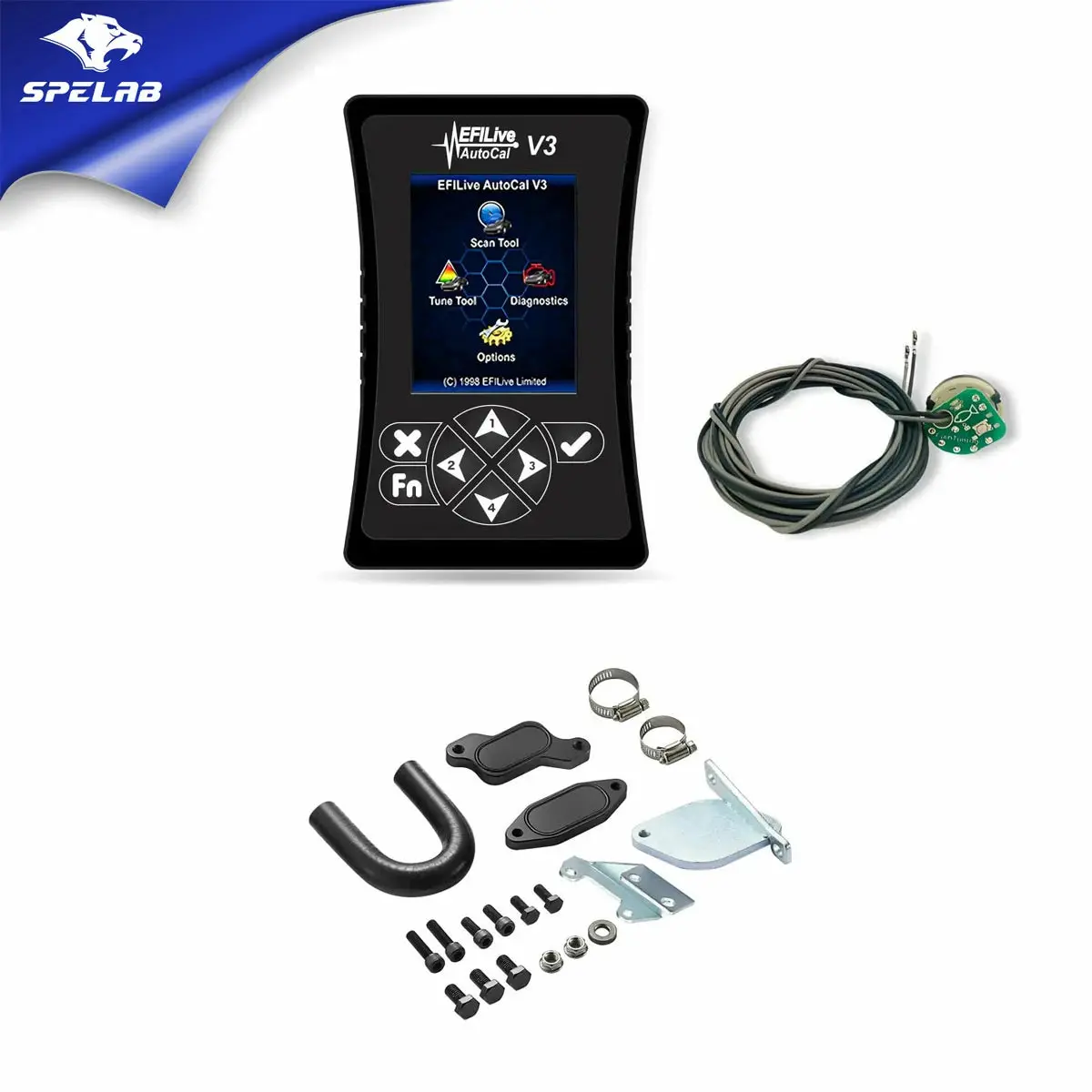
EGR/CCV Reroute/Tuner/ Delete 2007.5-2010 LMM 6.6L Duramax All-in-One Kit |SPELAB
---tab Description---
Note
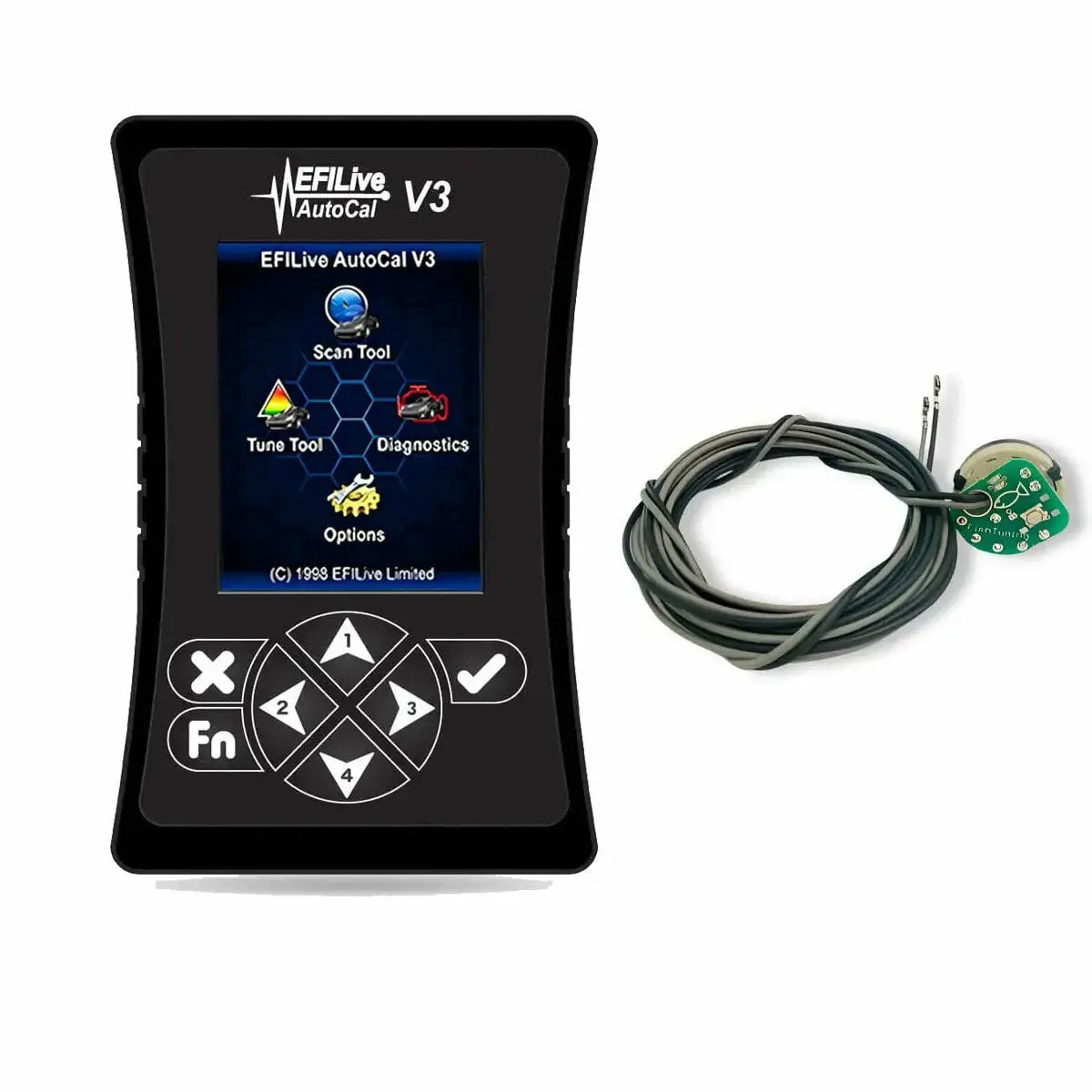
- Tuner V3 is a custom product and cannot be returned or exchanged. Please double-check before purchasing. Thank you!
- You may be charged import fees. Please accept the delivery and contact us at service@spelabautoparts.com to resolve any charges. Thanks!
Key Features
- Free-flowing exhaust system for more power and better fuel economy
- Improved combustion chamber temperatures
- Better longevity of your engine's cooling and exhaust system
- Increased power from more powerful tune flashes
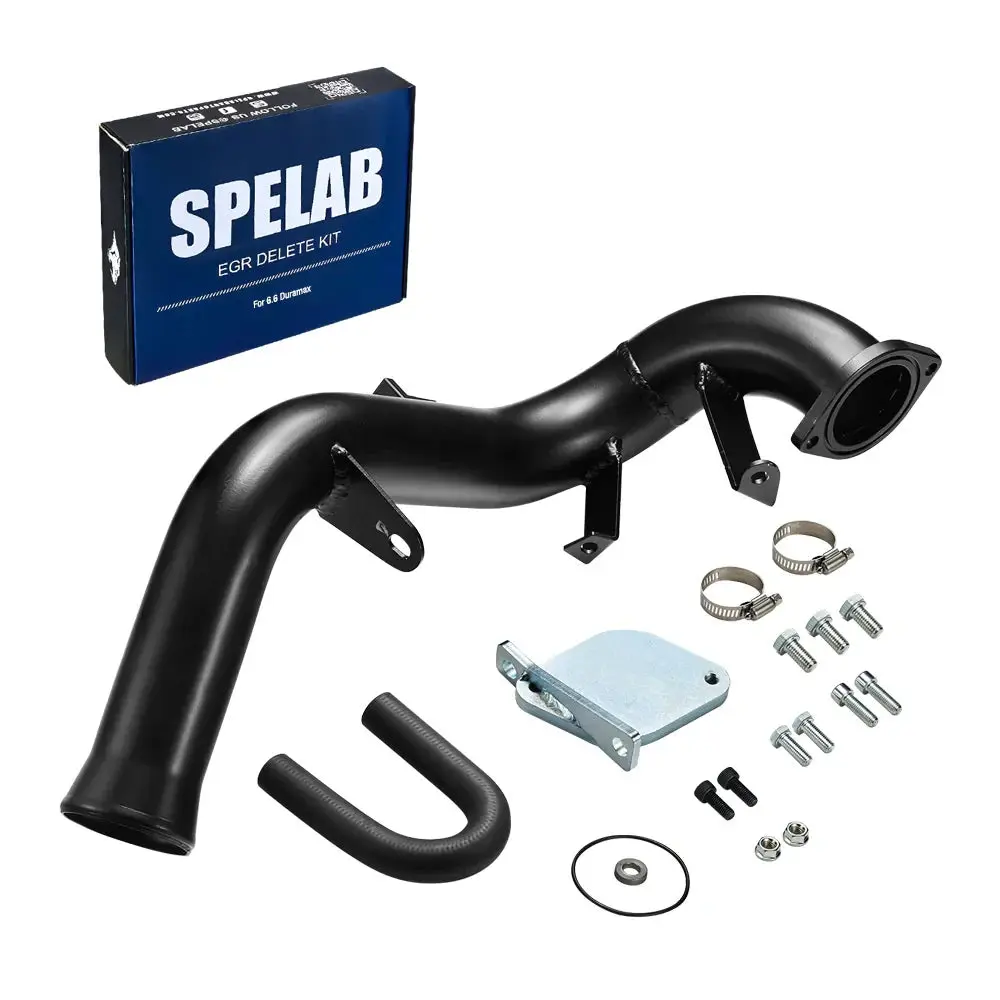
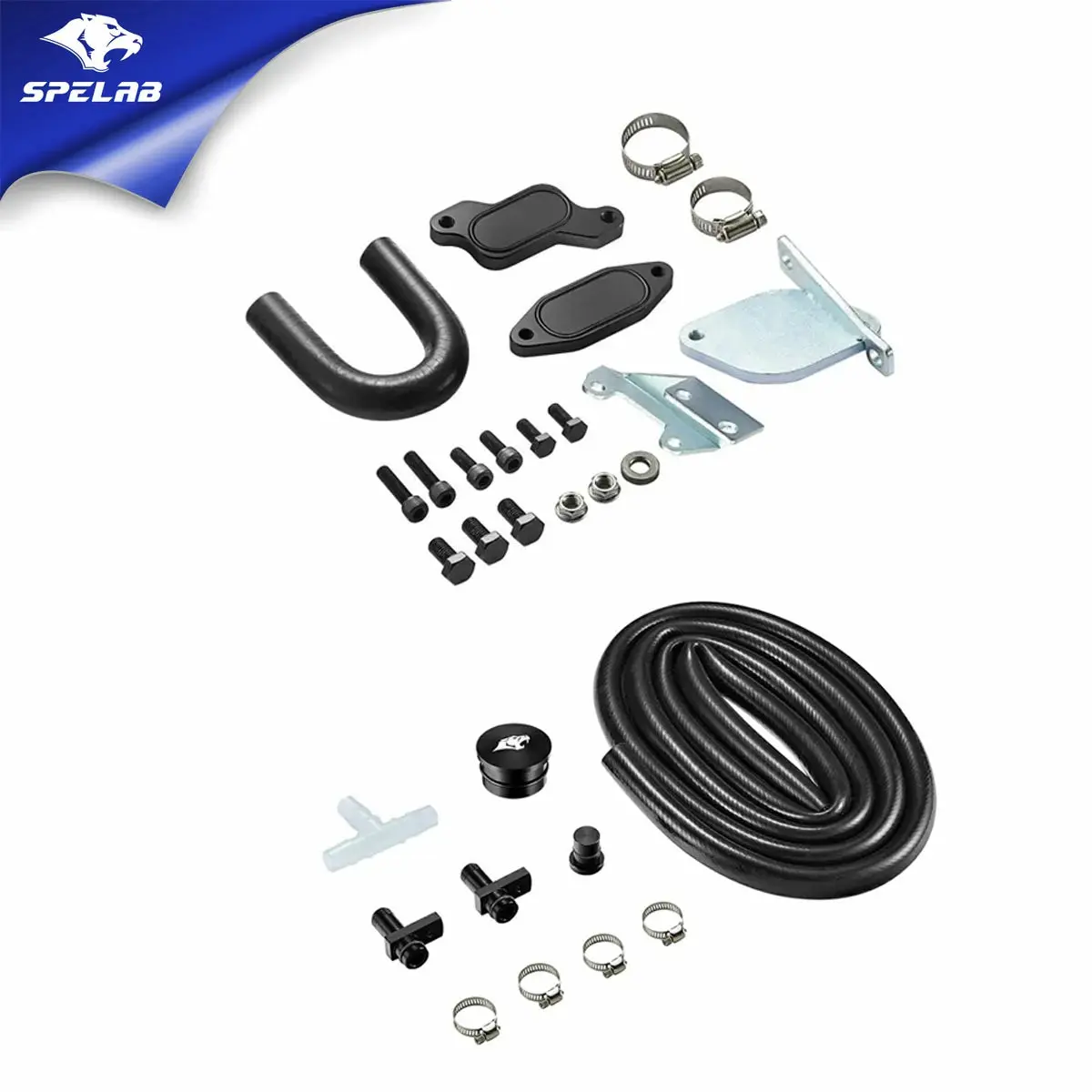
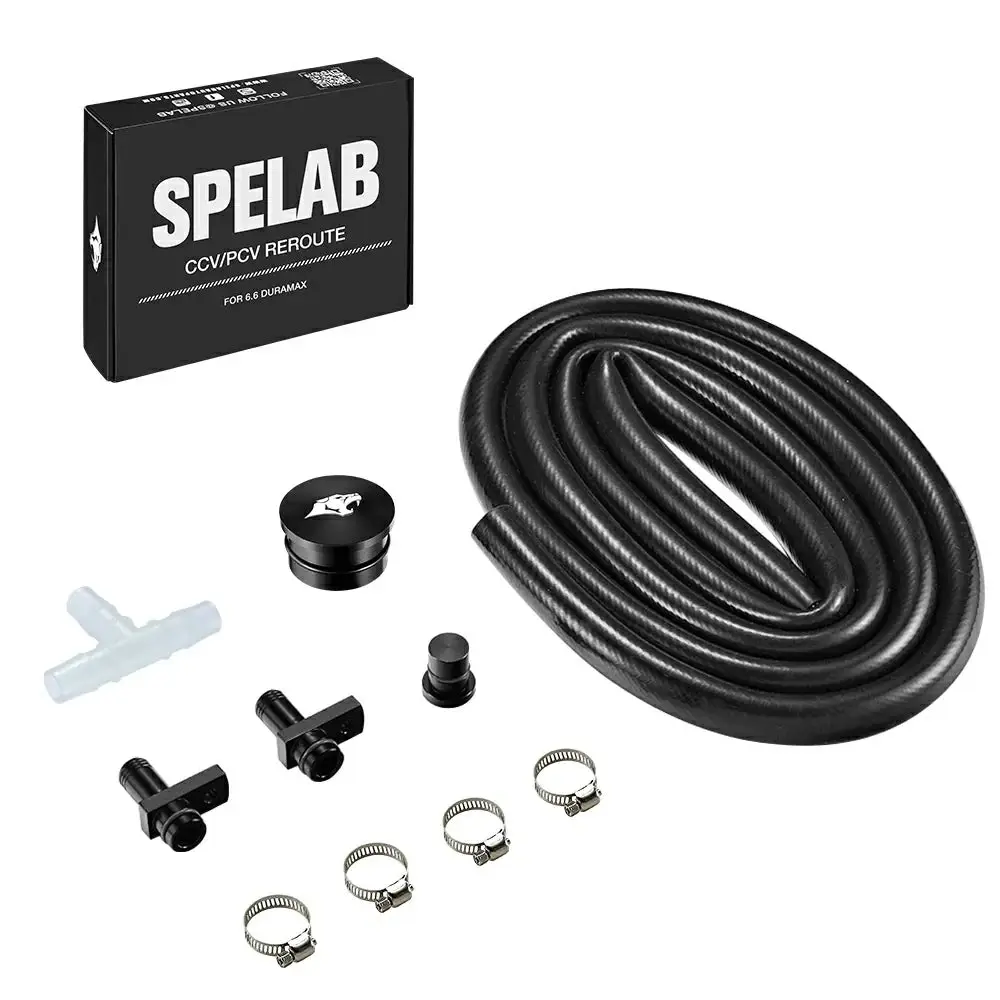
- All the necessary parts needed to fully delete your 2007.5-2010 LMM 6.6L Duramax
What's in the Box
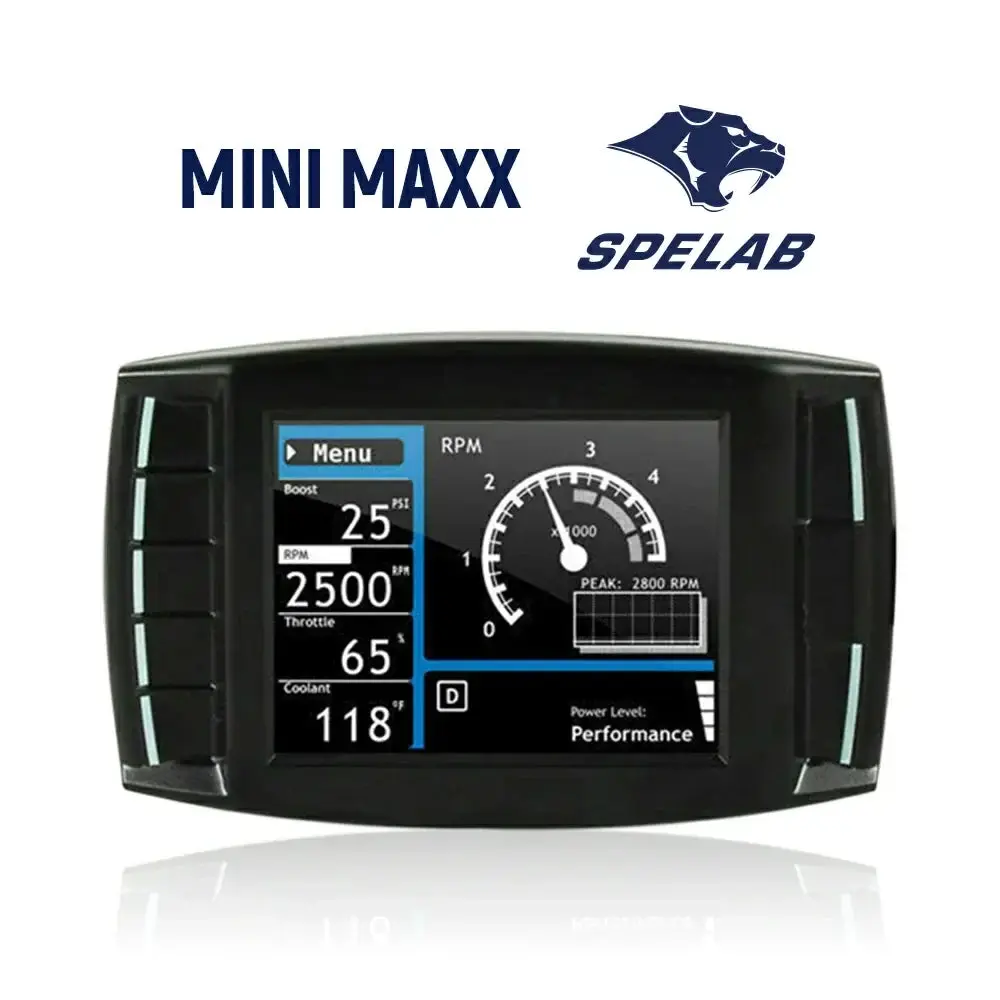
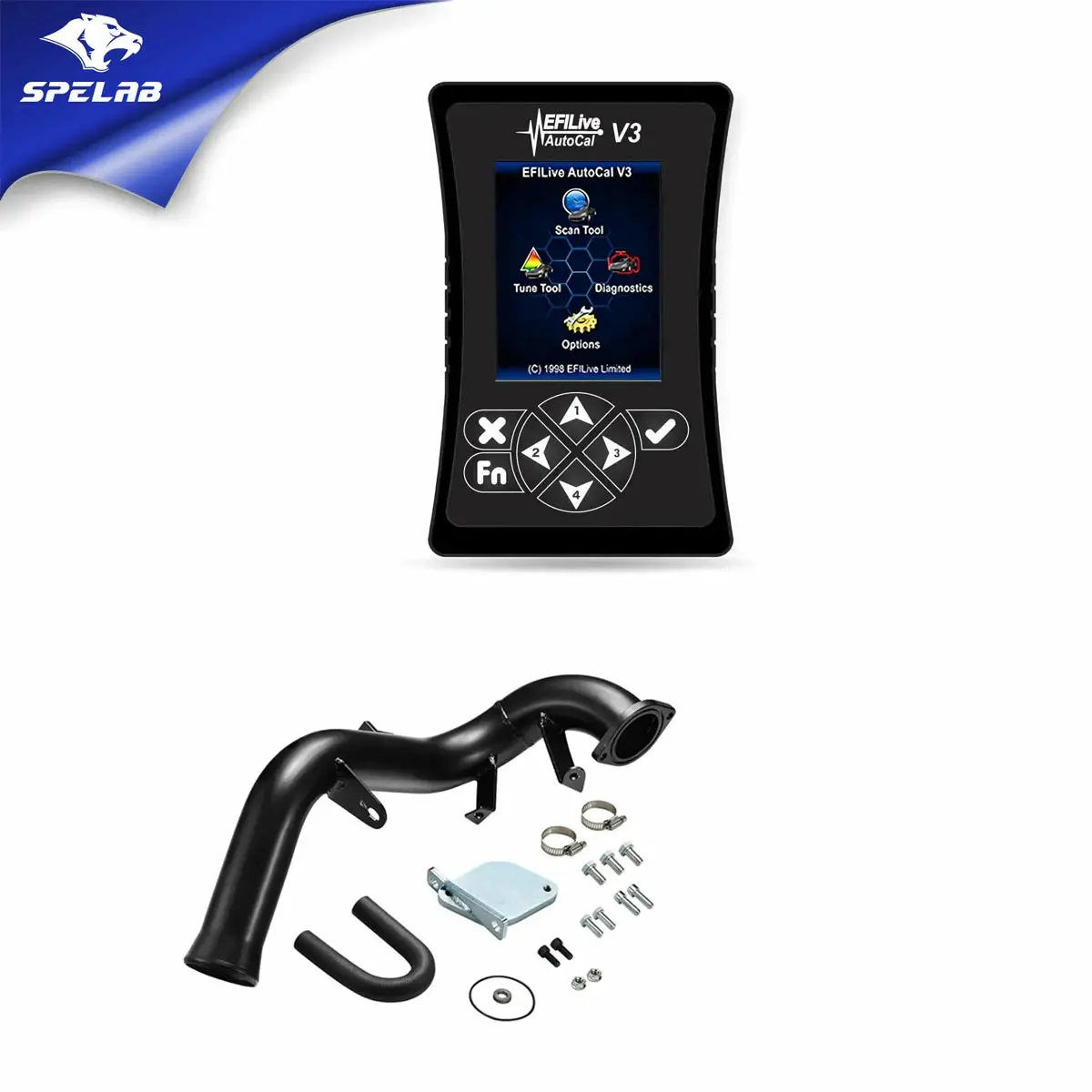
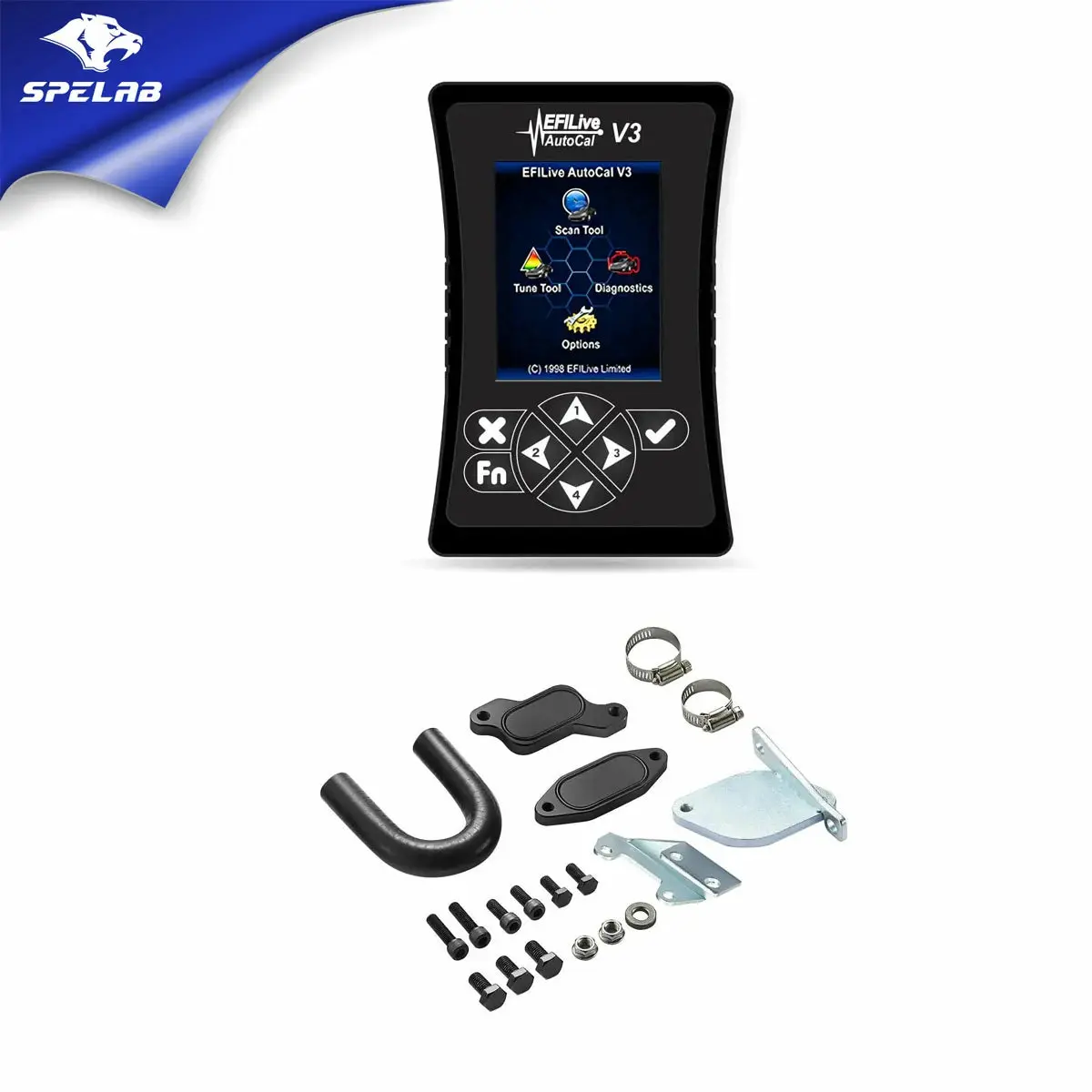
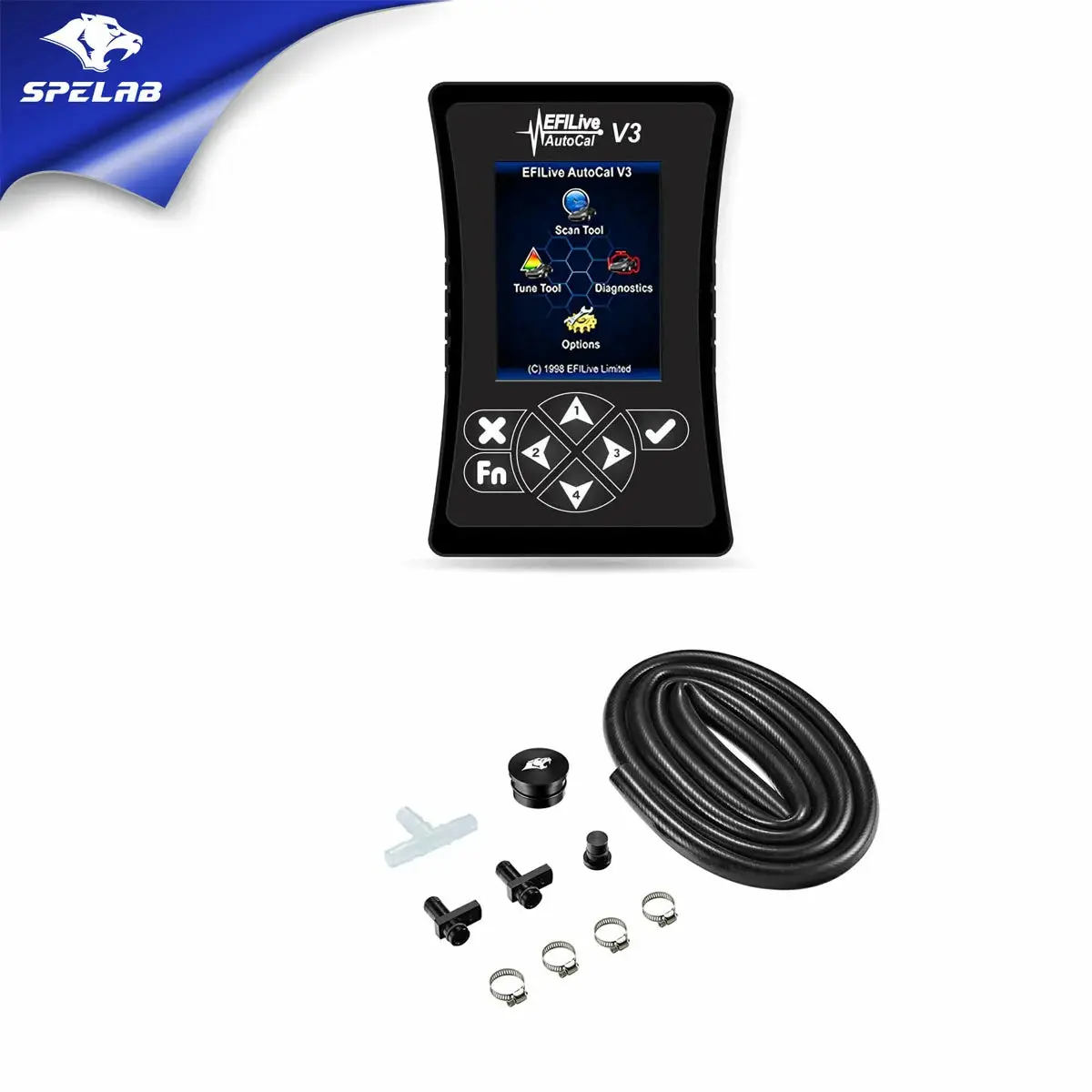
- Tuner
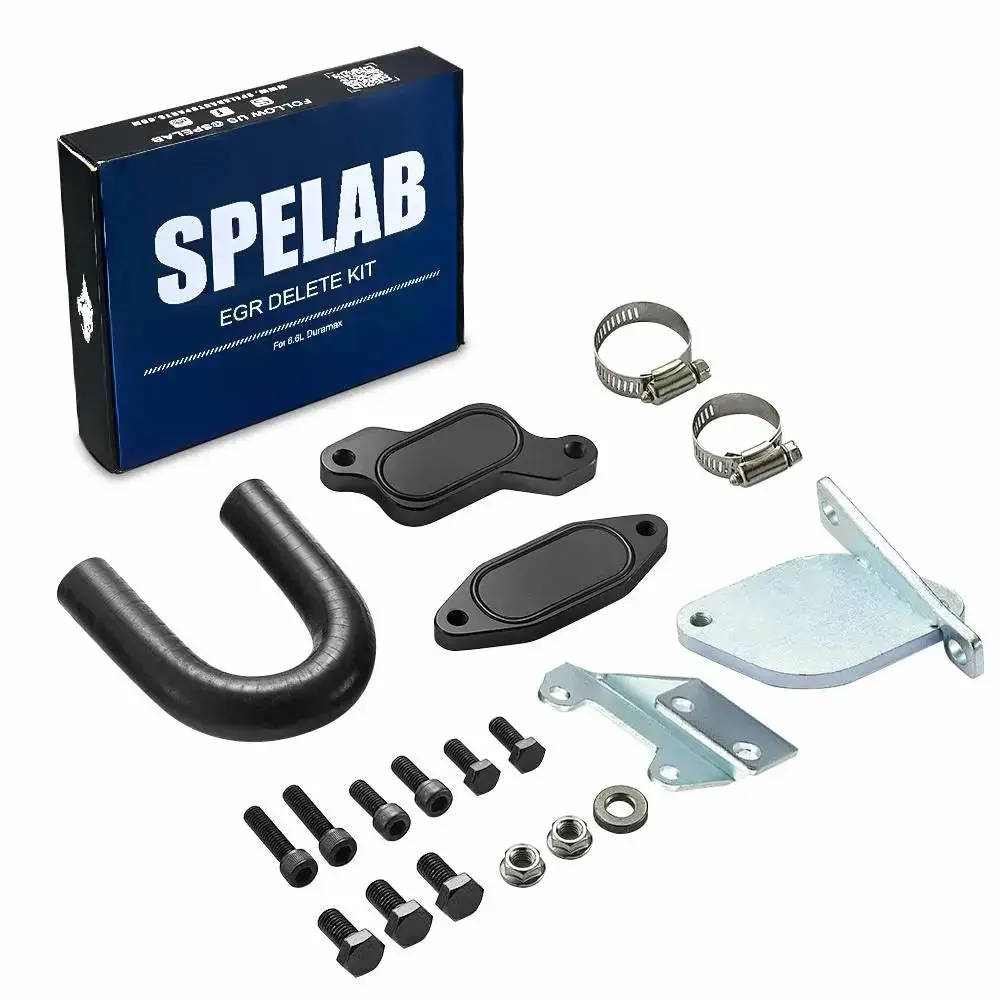
- EGR Delete Kit
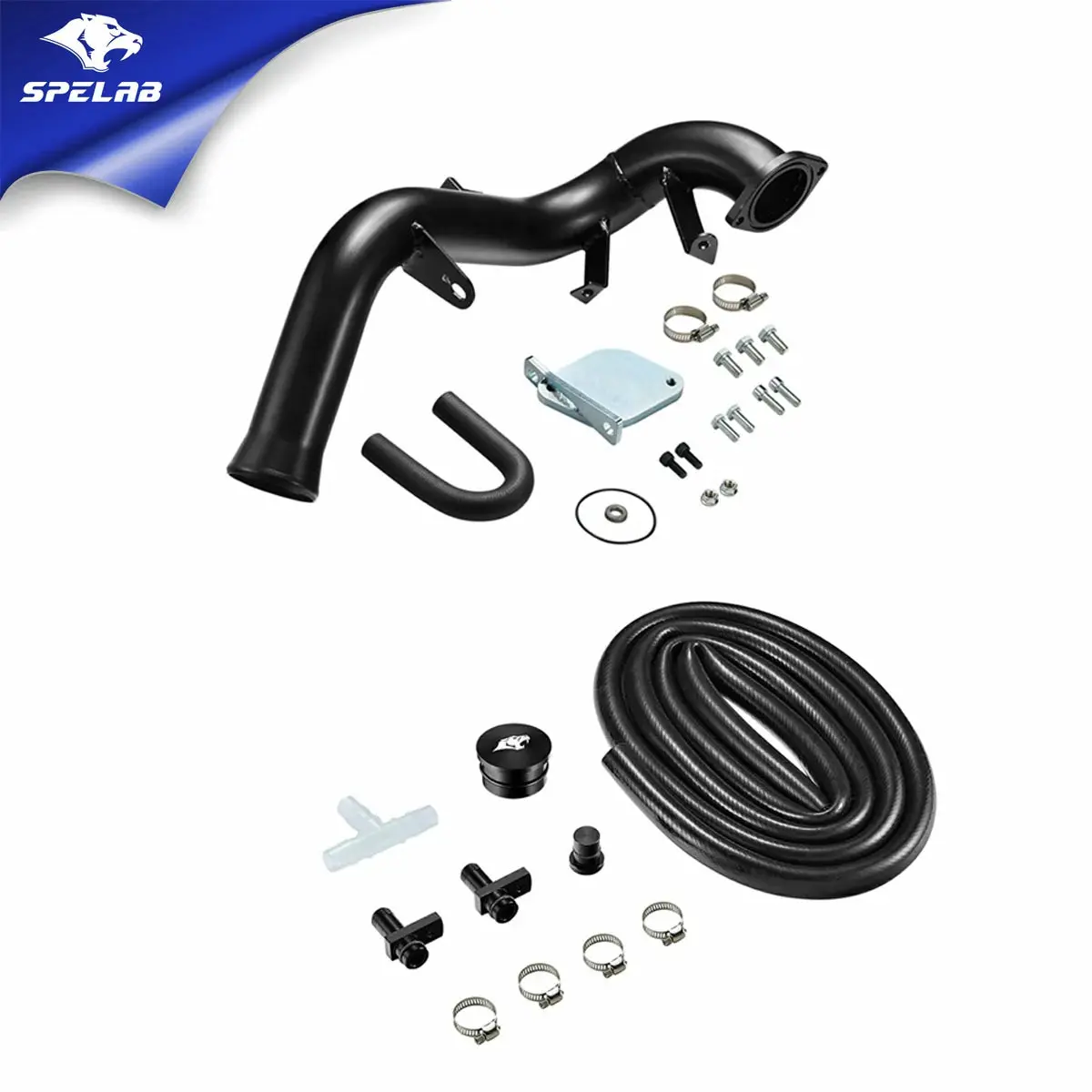
- CCV Reroute Kit
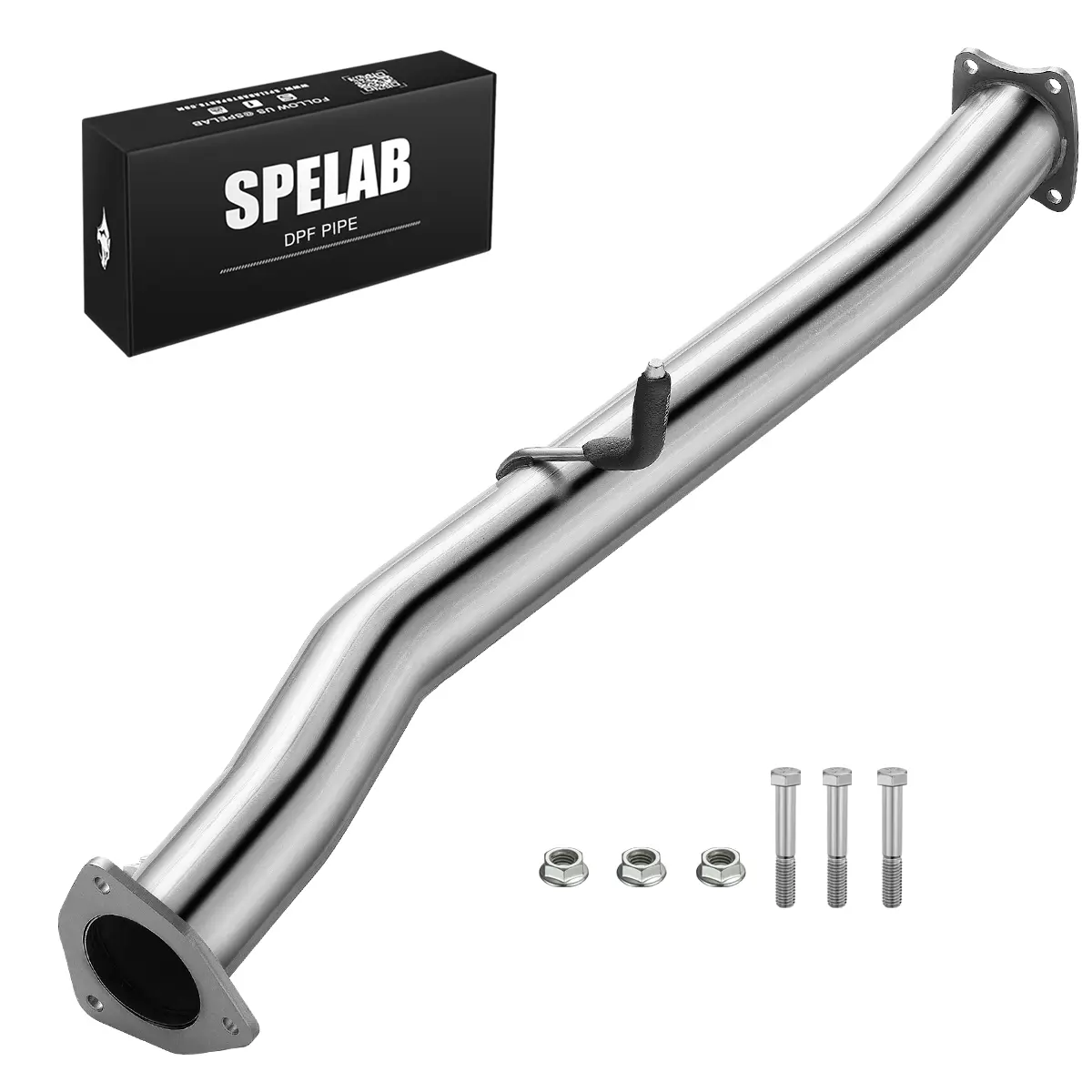
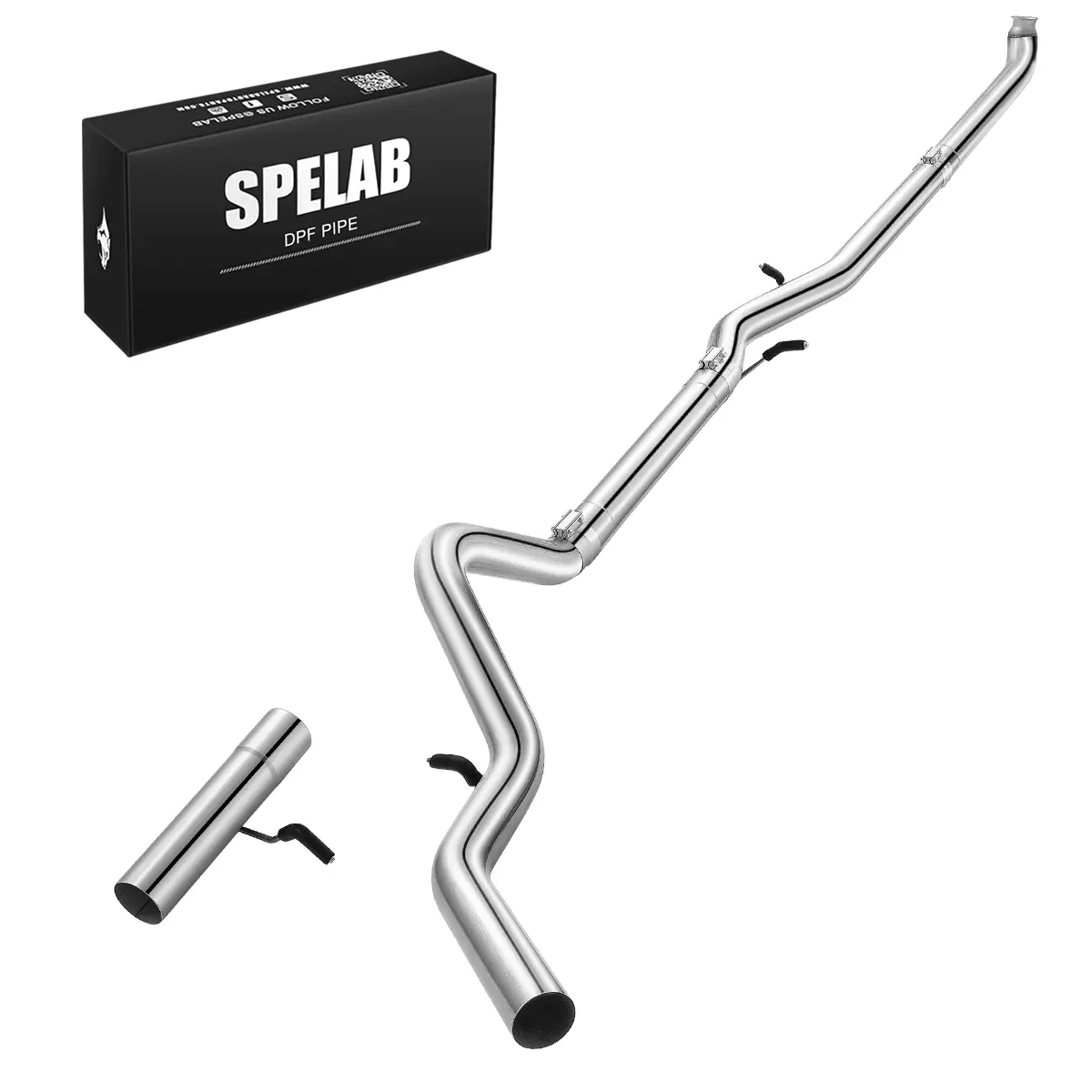
- Downpipe Exhaust
- Up-Pipe
⚠️Note: Accessories vary by order and may not include all listed.
Important Notice
This product is intended for off-road and race applications only. Removing the DPF may violate emissions regulations; ensure you understand local laws and regulations before installation.
AutoCal Update & Installation Instructions
Please use your USB cable and upload the new offroad calibration to your AutoCal using your WINDOWS 10+ PC.
Required Software & Manuals:
- The software you require from EFILive can be found here:
https://www.efilive.com/download-efilive - The user manual for the EFILive AutoCal v3 can be found here:
AutoCal V3 User Guide (PDF) - Video tutorial (if written instructions aren't clear enough):
Watch Video on YouTube
Mini Maxx V2 Installation Instructions
 Mini Maxx V2 Installation Guide
⚠️ IMPORTANT: FIRMWARE UPDATE
PLEASE UPDATE YOUR AUTOCAL FIRMWARE PRIOR TO LOADING YOUR NEW OFF-ROAD TUNE FILE. NOT DOING SO MAY CAUSE COMPATIBILITY ISSUES AND DAMAGE YOUR ECM.
- Select "Check for Updates" on the EFILive V8 Scan and Tune software homepage. If your software is out of date, please select the option to update.
- Select "Check Firmware" on the EFILive V8 Scan and Tune software homepage. On this window, please choose the option to update the Firmware Version and the Configuration Files.
Once these steps are completed, you should be able to now re-program your AutoCal device.
AutoCal Reprogramming Instructions
PLEASE USE EFILIVE SCAN AND TUNE, AND NOT EXPLORER UNLESS TOLD TO.
Program Quick Setup
The Quick Setup is the quickest and easiest way to program all files required to make AutoCal functional. This method requires your tune provider to send you a *.bbx quick setup file via email.
- Save the
*.bbxfile your tuner sent to the folder:\Documents\EFILive\V8\BBX(Or, in your Downloads/Desktop folder) - Connect AutoCal to your PC and open V8 Scan and Tune software.
- Navigate in the V8 software to:
[F5: BBX] -> [F6: Quick Setup] - Select [Open Quick Setup] and navigate to the directory and select the
*.bbxfile your tune provider sent you. - Do not modify any of the settings defined by your tune provider unless they request you to.
- Select [Program Quick Setup] to program device settings, controller configuration, and tune files to your AutoCal.
*If you have a 2018+ Cummins off-road vehicle, please remember to install the bypass cable prior to re-flashing your truck*
Note: Ensure you are not altering any electronic accessory during the flashing process, this includes the radio, opening and closing doors, rolling down the window, etc.
Please use your USB cable and upload the new offroad calibration to your AutoCal using your WINDOWS 10+ PC.
The software you require from EFILive can be found here:
https://www.efilive.com/download-efilive
The user manual for the EFILive AutoCal v3 can be found here:
https://content.efilive.com/documents/AutoCal%20V3%20User%20Guide.pdf
Here is a video on uploading the tune files as well, incase the written instructions aren't clear enough.
https://www.youtube.com/watch?v=hJ7yu3QoRnQ
Please update your autocal firmware prior to loading your new off-road tune file. Not doing so may cause compatibility issues and damage your ecm:
1) Select "Check for Updates" on the EFILive V8 Scan and Tune software homepage. If your software is out of date, please select the option to update.
2) Select "Check Firmware" on the EFILive V8 Scan and Tune software homepage. On this window, please choose the option to update the Firmware Version and the Configuration Files.
Once these steps are completed, you should be able to now re-program your AutoCal device.
AutoCal Reprogramming Instructions Overhead:
PLEASE USE EFILIVE SCAN AND TUNE, AND NOT EXPLORER UNLESS TOLD TOO.
Program Quick Setup
The Quick Setup is the quickest and easiest way to program all files required to
make AutoCal functional.
This method requires your tune provider to send you a *.bbx quick setup file via email.
1. Save the *.bbx file your tuner sent to the folder:
\Documents\EFILive\V8\BBX (Or, in your Downloads/Desktop folder)
2. Connect AutoCal to your PC and open V8 Scan and Tune software.
3. Navigate in the V8 software to [F5: BBX]->[F6: Quick Setup]
4. Select [Open Quick Setup] and navigate to the directory and select the
*.bbx file your tune provider sent you.
5. Do not modify any of the settings defined by your tune provider unless they request
you to.
6. Select [Program Quick Setup] to program device settings, controller
configuration and tune files to your AutoCal.
*If you have a 2018+ Cummins off-road vehicle, please remember to install the bypass cable prior to re-flashing your truck*
Ensure you are not altering any electronic accessory during the flashing process, this includes the radio, opening and closing doors, rolling down the window, etc.
Installation
2018-2021 Cummins Bypass Cable Installation CUMMINS CCV SOTF Switch Install DSP5 Installation Help EFILive AutoCal Vehicle Install Instructions
---tab Fitment---
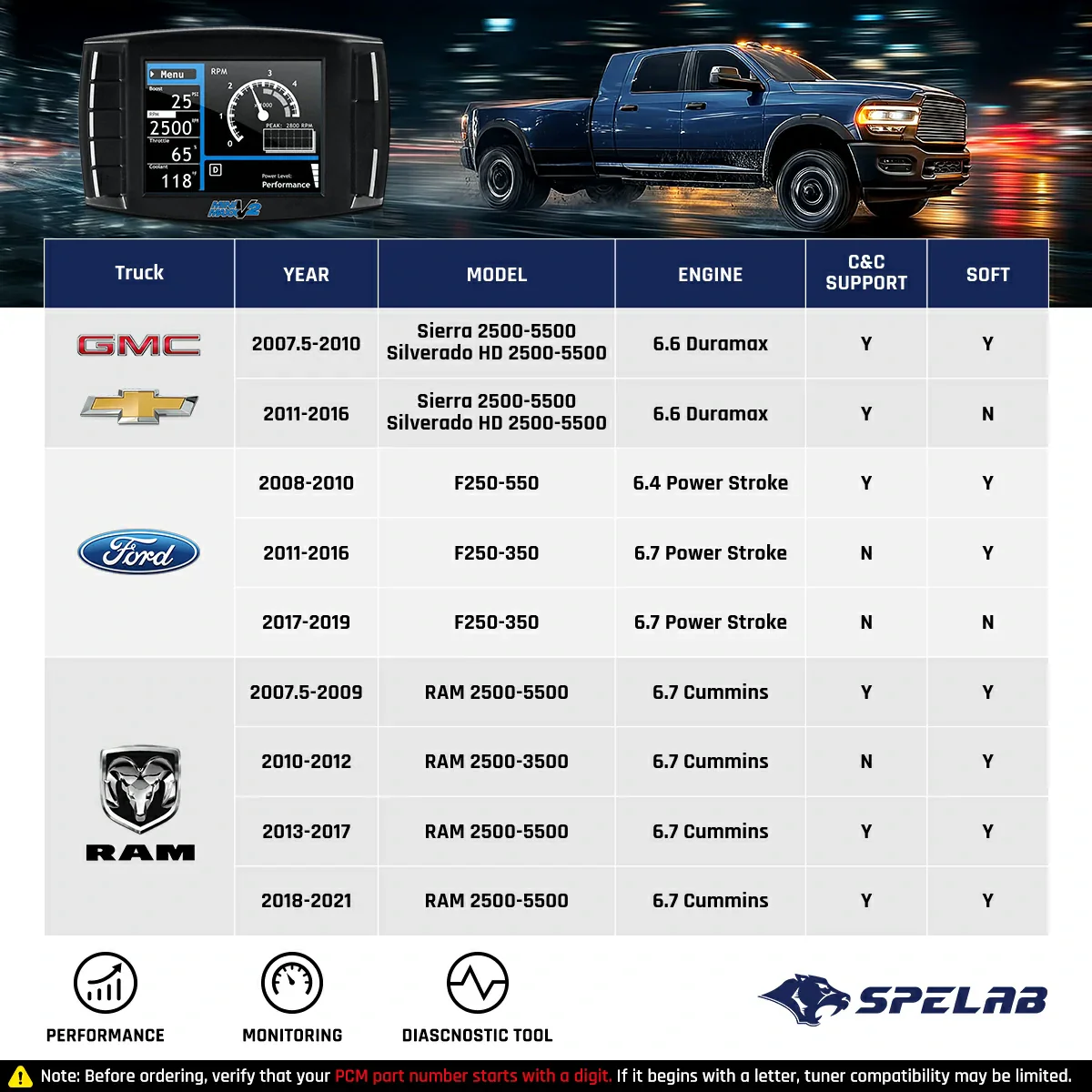
- 2007.5-2010 GMC Sierra 2500 3500 HD 6.6 LMM Duramax Diesel
- 2007.5-2010 Chevrolet Silverado 2500 3500 HD 6.6 LMM Duramax Diesel
If you own a LML engine, Check out our All-in-One LML Duramax Delete Kit (includes EGR, DPF, DEF, and CCV deletion with a tuning device).
---tab Shipping & Returns---
Fast Shipping Policy
Your order will be dispatched within 1-2 business days, and the package will arrive within your order's estimated date. Click for Shipping Policy
Easy Return Policy
Every order comes with a 14-day free return, which means you don't have to pay for a return slip. Click for Return Policy
Original: $79.00
-65%$79.00
$27.65Product Information
Product Information
Shipping & Returns
Shipping & Returns
Description
---tab Description---
Note
- Tuner V3 is a custom product and cannot be returned or exchanged. Please double-check before purchasing. Thank you!
- You may be charged import fees. Please accept the delivery and contact us at service@spelabautoparts.com to resolve any charges. Thanks!
Key Features
- Free-flowing exhaust system for more power and better fuel economy
- Improved combustion chamber temperatures
- Better longevity of your engine's cooling and exhaust system
- Increased power from more powerful tune flashes
- All the necessary parts needed to fully delete your 2007.5-2010 LMM 6.6L Duramax
What's in the Box
- Tuner
- EGR Delete Kit
- CCV Reroute Kit
- Downpipe Exhaust
- Up-Pipe
⚠️Note: Accessories vary by order and may not include all listed.
Important Notice
This product is intended for off-road and race applications only. Removing the DPF may violate emissions regulations; ensure you understand local laws and regulations before installation.
AutoCal Update & Installation Instructions
Please use your USB cable and upload the new offroad calibration to your AutoCal using your WINDOWS 10+ PC.
Required Software & Manuals:
- The software you require from EFILive can be found here:
https://www.efilive.com/download-efilive - The user manual for the EFILive AutoCal v3 can be found here:
AutoCal V3 User Guide (PDF) - Video tutorial (if written instructions aren't clear enough):
Watch Video on YouTube
Mini Maxx V2 Installation Instructions
Mini Maxx V2 Installation Guide
⚠️ IMPORTANT: FIRMWARE UPDATE
PLEASE UPDATE YOUR AUTOCAL FIRMWARE PRIOR TO LOADING YOUR NEW OFF-ROAD TUNE FILE. NOT DOING SO MAY CAUSE COMPATIBILITY ISSUES AND DAMAGE YOUR ECM.
- Select "Check for Updates" on the EFILive V8 Scan and Tune software homepage. If your software is out of date, please select the option to update.
- Select "Check Firmware" on the EFILive V8 Scan and Tune software homepage. On this window, please choose the option to update the Firmware Version and the Configuration Files.
Once these steps are completed, you should be able to now re-program your AutoCal device.
AutoCal Reprogramming Instructions
PLEASE USE EFILIVE SCAN AND TUNE, AND NOT EXPLORER UNLESS TOLD TO.
Program Quick Setup
The Quick Setup is the quickest and easiest way to program all files required to make AutoCal functional. This method requires your tune provider to send you a *.bbx quick setup file via email.
- Save the
*.bbxfile your tuner sent to the folder:\Documents\EFILive\V8\BBX(Or, in your Downloads/Desktop folder) - Connect AutoCal to your PC and open V8 Scan and Tune software.
- Navigate in the V8 software to:
[F5: BBX] -> [F6: Quick Setup] - Select [Open Quick Setup] and navigate to the directory and select the
*.bbxfile your tune provider sent you. - Do not modify any of the settings defined by your tune provider unless they request you to.
- Select [Program Quick Setup] to program device settings, controller configuration, and tune files to your AutoCal.
*If you have a 2018+ Cummins off-road vehicle, please remember to install the bypass cable prior to re-flashing your truck*
Note: Ensure you are not altering any electronic accessory during the flashing process, this includes the radio, opening and closing doors, rolling down the window, etc.
Please use your USB cable and upload the new offroad calibration to your AutoCal using your WINDOWS 10+ PC.
The software you require from EFILive can be found here:
https://www.efilive.com/download-efilive
The user manual for the EFILive AutoCal v3 can be found here:
https://content.efilive.com/documents/AutoCal%20V3%20User%20Guide.pdf
Here is a video on uploading the tune files as well, incase the written instructions aren't clear enough.
https://www.youtube.com/watch?v=hJ7yu3QoRnQ
Please update your autocal firmware prior to loading your new off-road tune file. Not doing so may cause compatibility issues and damage your ecm:
1) Select "Check for Updates" on the EFILive V8 Scan and Tune software homepage. If your software is out of date, please select the option to update.
2) Select "Check Firmware" on the EFILive V8 Scan and Tune software homepage. On this window, please choose the option to update the Firmware Version and the Configuration Files.
Once these steps are completed, you should be able to now re-program your AutoCal device.
AutoCal Reprogramming Instructions Overhead:
PLEASE USE EFILIVE SCAN AND TUNE, AND NOT EXPLORER UNLESS TOLD TOO.
Program Quick Setup
The Quick Setup is the quickest and easiest way to program all files required to
make AutoCal functional.
This method requires your tune provider to send you a *.bbx quick setup file via email.
1. Save the *.bbx file your tuner sent to the folder:
\Documents\EFILive\V8\BBX (Or, in your Downloads/Desktop folder)
2. Connect AutoCal to your PC and open V8 Scan and Tune software.
3. Navigate in the V8 software to [F5: BBX]->[F6: Quick Setup]
4. Select [Open Quick Setup] and navigate to the directory and select the
*.bbx file your tune provider sent you.
5. Do not modify any of the settings defined by your tune provider unless they request
you to.
6. Select [Program Quick Setup] to program device settings, controller
configuration and tune files to your AutoCal.
*If you have a 2018+ Cummins off-road vehicle, please remember to install the bypass cable prior to re-flashing your truck*
Ensure you are not altering any electronic accessory during the flashing process, this includes the radio, opening and closing doors, rolling down the window, etc.
Installation
2018-2021 Cummins Bypass Cable Installation CUMMINS CCV SOTF Switch Install DSP5 Installation Help EFILive AutoCal Vehicle Install Instructions
---tab Fitment---
- 2007.5-2010 GMC Sierra 2500 3500 HD 6.6 LMM Duramax Diesel
- 2007.5-2010 Chevrolet Silverado 2500 3500 HD 6.6 LMM Duramax Diesel
If you own a LML engine, Check out our All-in-One LML Duramax Delete Kit (includes EGR, DPF, DEF, and CCV deletion with a tuning device).
---tab Shipping & Returns---
Fast Shipping Policy
Your order will be dispatched within 1-2 business days, and the package will arrive within your order's estimated date. Click for Shipping Policy
Easy Return Policy
Every order comes with a 14-day free return, which means you don't have to pay for a return slip. Click for Return Policy